More Than a Siren: What a Home Security System Does for Arizona Families
Most people buy a security system to stop burglars. The ones who live with it tend to value everything else it does just as much.
Read articleThe equipment goes up in a few hours. Knowing how to live with it takes a little more attention. Use this list to get real value out of the walkthrough with your technician.
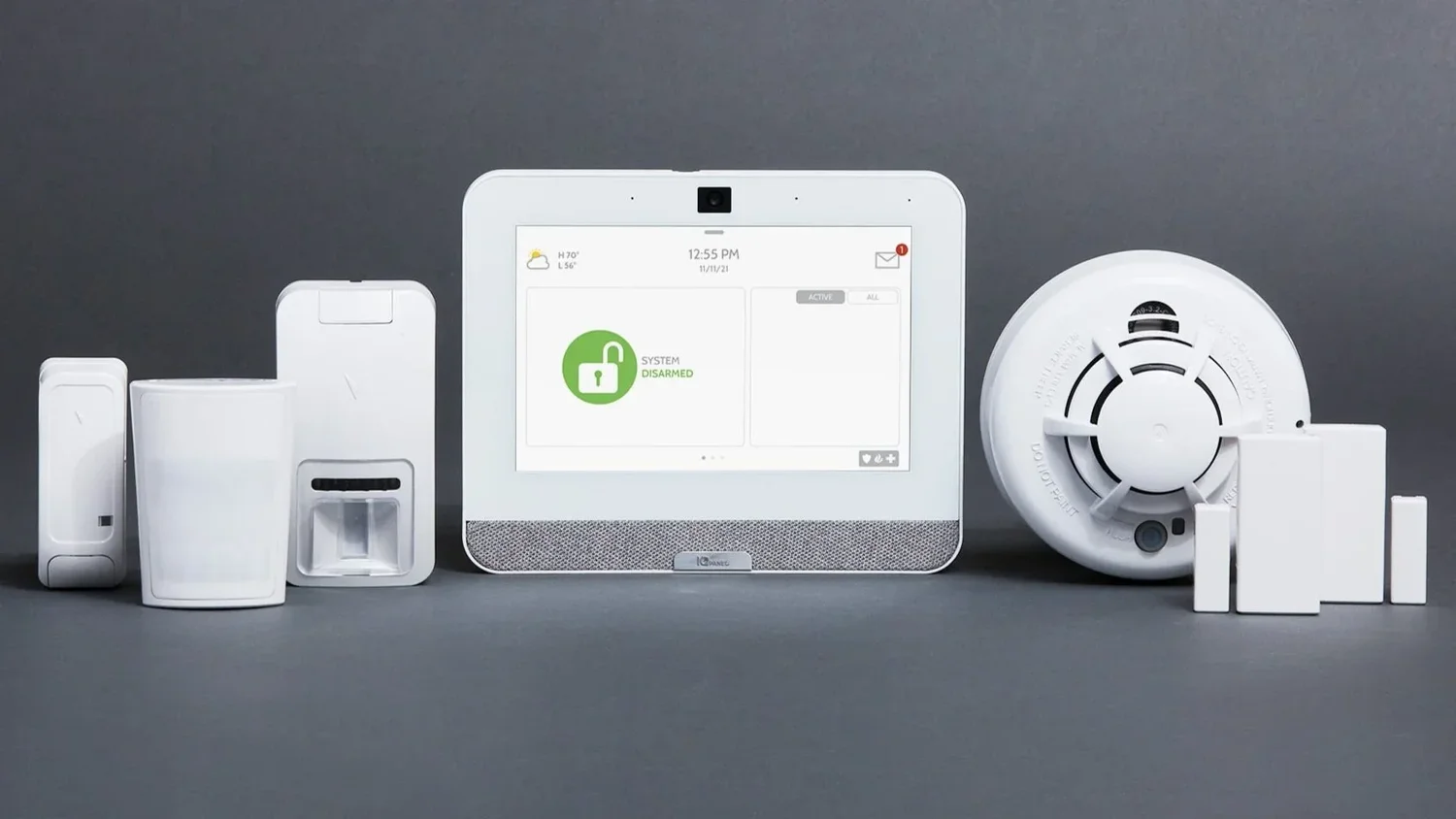
Most people spend weeks thinking about which security system to buy and about fifteen minutes learning how to use it. That second part is where problems start. A homeowner who is unsure how the stay mode works, or who never confirmed which phone gets the alerts, ends up with a system that is technically installed but not really protecting anyone.
Installation day is the best chance you will get to fix that, because the person who just placed every sensor in your house is standing in your kitchen. Here is how to use that time well.
A little preparation makes the appointment smoother and the walkthrough more useful.
Ask the technician to walk the property with you and point out every device. As you go, check that each sensor has a plain-language name in the system. "Back slider to pool" or "casita front door" is something you can act on at 2 a.m. A generic zone number is not.
This is also the moment to raise anything that was missed. Common Arizona examples include the door between the garage and the house, a second slider off the primary bedroom, an attached casita, or a window that faces an alley or a low block wall. If something is left unprotected on purpose, make sure you understand why.
Watching someone else arm a system is not the same as doing it. Ask to try each of these with your own hands:
Confirm that the main account is in your name and that you hold the owner or administrator login. Then go through who else needs access. A spouse might need full control, while a teenager or a dog walker may only need a code that works at certain times.
Next, ask which events send a push notification to your phone and which events go to the professional monitoring center. Those lists are often different. A door opening while the system is off might only reach your app, while an intrusion alarm, smoke alarm or carbon monoxide alarm goes to the center. Read your emergency contact list aloud with the technician and check the call order and phone numbers.
If you added cameras, make sure each one shows up in the app, that motion zones avoid the street and swaying palms, and that two-way voice works on the doorbell. Our video surveillance page covers camera options in more detail.
Every system should be tested, but a live alarm is not the way to do it. Ask how the monitoring center is placed in test mode, how long that lasts and how to confirm the system is back to normal afterward. Never trigger an alarm just to see who calls.
Arizona weather deserves its own question. Monsoon storms can cut power and internet without much warning, so ask what your specific equipment does when either goes out. Find out whether the panel has a backup battery, roughly how it is maintained, and whether alarm signals travel over a cellular connection. Our monsoon security guide goes deeper on storm prep.
Snowbirds and frequent travelers should also ask about remote arming, temperature alerts from a smart thermostat and how to update emergency contacts while away.
Before the technician leaves, gather the details you will want later and store them somewhere safe:
Keep your codes and passwords in a password manager or another secure spot, not on a sticky note next to the keypad. As a final check, try explaining the daily routine back to the technician and look up a recent event in the app. If anything feels fuzzy, ask now.
At Adapt Home, every system is customized for the home it protects, and our local technicians take time to walk you through how it works. Learn more about our home security systems, then get a free quote or call (833) 902-5036 to set up a free consultation with a security specialist.
Talk with a local Adapt Home specialist. The consultation is free.
Plan to be home for the whole installation, and leave extra time at the end for a hands-on walkthrough of the keypad, the app, user access and your emergency contacts.
No. Ask your provider to put the account in test mode first, and confirm how normal monitoring resumes afterward. Triggering a live alarm can send an unnecessary emergency response.
Not always. Some events only send a notification to your phone, while alarms such as intrusion, smoke or carbon monoxide are sent to the monitoring center. Ask your technician which events go where.
Store them in a password manager or another secure place. Avoid writing codes on notes near the keypad or sharing the main owner login with everyone in the household.
Learn more
Most people buy a security system to stop burglars. The ones who live with it tend to value everything else it does just as much.
Read article
A monitored system can sometimes trim your homeowners premium, but the details depend on your insurer. Here is how to find out what you actually qualify for.
Read articleSecurity is not a kitchen remodel, and it will not add a fixed number to your sale price. It can still make your home easier to sell and more appealing to the right buyer.
Read articleFree consultation
Interested in protecting your home or business? Request a quote and one of our security specialists will reach out to see how we can customize a security system that works for you.
(833) 902-5036Tell us a little about your home or business. It takes about a minute.
Request a quote Call (833) 902-5036