Monsoon Season Home Security: Keeping Your Arizona Home Protected When the Power Goes Out
Haboobs, lightning and sudden outages are part of every Arizona summer. Here is how to make sure your alarm and cameras keep doing their job when the weather turns.
By the Adapt Home team · · 6 min read
Arizona's monsoon season officially runs from June 15 through September 30. For most of us that means dramatic skies, a welcome break from the dry heat, and a few evenings spent wondering whether the lights are about to flicker off. Wall-to-wall dust storms, close lightning strikes and gusty outflow winds can knock out power and internet for minutes or hours at a time. Your security system should keep working through all of it, but that only happens if it was set up with storms in mind.
This guide walks through what actually happens to an alarm system and cameras during a monsoon storm, and the simple checks that help you stay protected from the first haboob of June to the last storm of September.
What a Monsoon Storm Does to a Security System
Most of the trouble comes from three things: lost power, lost internet and electrical surges. When the power drops, anything plugged into the wall stops unless it has a battery. When the internet goes down, any device that depends on your home Wi-Fi or router to reach the outside world goes quiet. And when lightning strikes nearby, a surge can travel through power or cable lines and damage electronics that were never designed to absorb it.
Dust adds a fourth problem. Fine particles settle on camera lenses and motion sensors, and blowing debris can trigger a flood of motion alerts that makes it hard to notice the one that matters.
Battery Backup: Your First Line of Defense
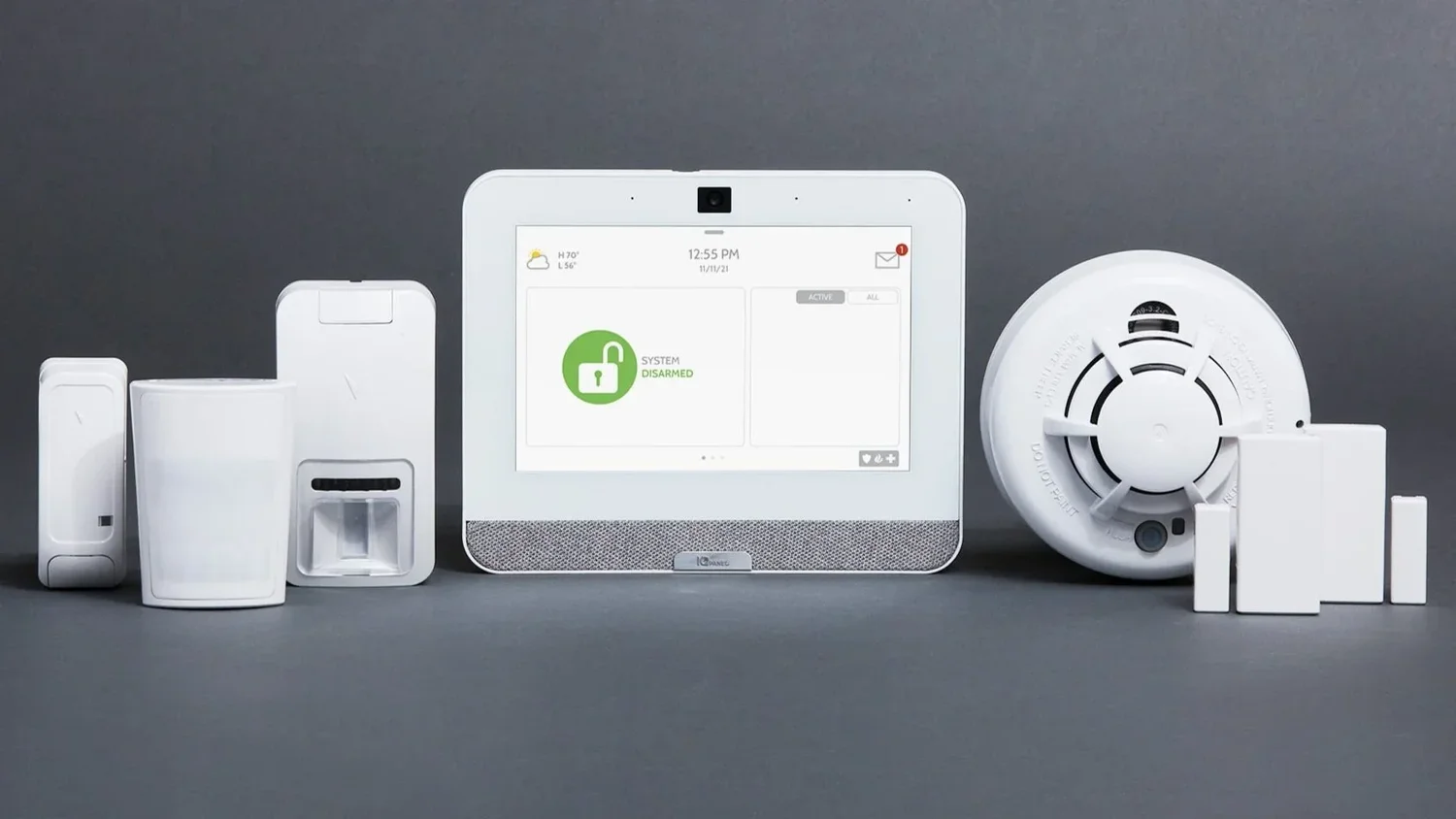
A well-designed alarm panel or hub has a backup battery that takes over automatically when household power fails. That keeps your door and window sensors, motion detectors and siren working through the outage. A few points worth checking:
Know your battery's age. Backup batteries wear out over time. If your panel has been reporting a low-battery trouble condition, replace the battery before storm season rather than during it.
Understand what is covered. The panel may stay on while plugged-in cameras, your router and your Wi-Fi go dark. Find out which pieces of your system have their own backup.
Consider a small UPS. An uninterruptible power supply for your modem and router can keep internet-connected devices online through short outages.
Cellular Communication vs. Internet-Only Systems
This is the single biggest difference between a system that keeps protecting you during an outage and one that goes silent. A system that sends alarm signals only over your home internet or Wi-Fi cannot reach anyone once the router loses power or your provider goes down. A system with a cellular communicator sends its signals over the cellular network instead, so an alarm can still reach the monitoring center even when your internet is out.
That matters most during monsoon season, because outages tend to happen during exactly the kind of chaotic evening when you are least likely to be watching your phone. If you are not sure how your current system communicates, look in the settings of your app or ask your provider directly. The home security systems Adapt Home designs include a cellular connection for this reason.
Key point: Battery backup keeps your system powered. Cellular communication keeps it connected. During a monsoon outage you want both.
Lightning and Surge Protection
Lightning does not have to hit your house to cause damage. A strike nearby can send a surge through utility lines into anything plugged in. Practical steps include:
Use quality surge protectors for your modem, router, network video equipment and any plug-in cameras or hubs.
Ask an electrician about whole-home surge protection if you have had electronics fail after storms before.
Replace surge strips that have taken a hit. Many have an indicator light that goes out once the protection is used up.
Cutting Down Camera False Alerts in Wind and Dust
A single haboob can generate dozens of motion clips of swaying palm fronds, rolling tumbleweeds and blowing trash cans. After a few of those, many homeowners start ignoring alerts altogether, which defeats the purpose of having cameras. A little tuning goes a long way:
Tighten motion zones. Draw zones around walkways, doors and driveways, and exclude trees, bushes, flags and the street.
Adjust sensitivity. Lowering sensitivity slightly can filter out small, fast movement like blowing leaves while still catching people.
Use person detection if your camera offers it. Filtering for people instead of all motion is especially helpful in windy weather.
Secure loose items. Patio umbrellas, decorations and hanging plants in a camera's view are common sources of false alerts.
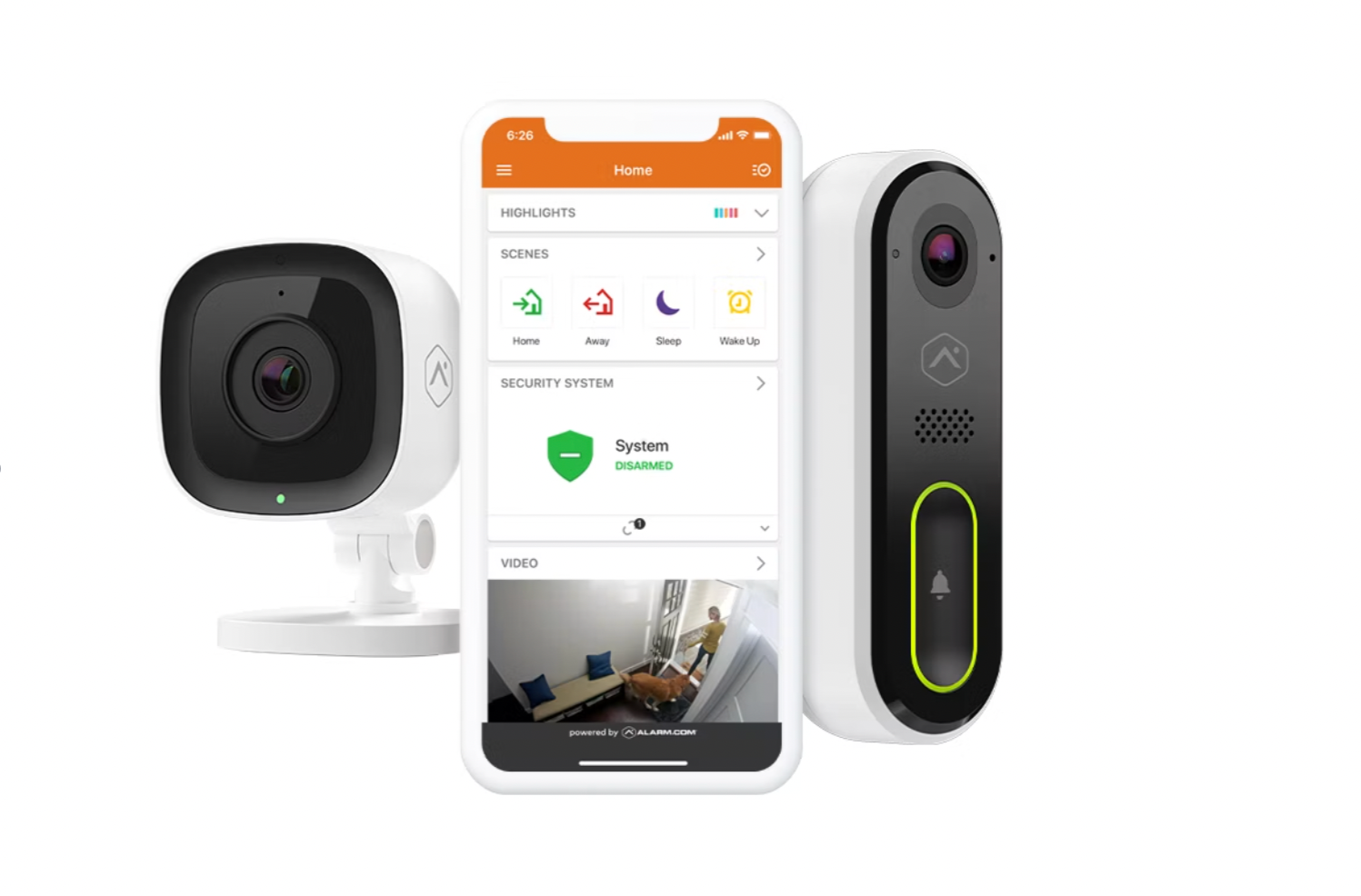
Our team can help set up zones and alerts on outdoor and doorbell cameras so they stay useful through the whole season.
Your After-the-Storm Checklist
Once the storm passes and the power is back, take five minutes to confirm everything recovered properly.
Open your security app and confirm the system shows as online with no trouble conditions.
Check that every camera is streaming live video and reconnected to Wi-Fi.
Wipe dust off camera lenses and doorbell cameras with a soft, dry microfiber cloth.
Look for a low-battery warning on the panel, which can appear after a long outage drains the backup.
Walk past a door sensor or motion detector with the system in a test or chime mode to confirm it still responds.
Reset any smart thermostat or lighting schedules that may have changed during the outage.
If anything stays offline, contact your security provider rather than waiting for the next storm to find out.
The best time to prepare is before the first dust wall rolls in. Confirm that your system has battery backup and cellular communication, that your cameras are tuned for wind, and that your contact list with the monitoring center is current. If your home is in the Valley, you can learn more about local service on our Phoenix page, or browse all areas we serve.
If you would like a second set of eyes on your setup, an Adapt Home security specialist can walk through your home, explain your options and design a system that holds up to an Arizona summer. Get a free quote or call (833) 902-5036 to schedule your free consultation.
Questions about your home?
Talk with a local Adapt Home specialist. The consultation is free.
Will my alarm system work if the power goes out during a monsoon storm?
Most alarm panels have a backup battery that keeps sensors and the siren working during an outage. Whether the alarm can still reach the monitoring center depends on how the system communicates, which is why a cellular connection matters.
What is the difference between a cellular and an internet-only alarm system?
An internet-only system sends alarm signals through your home router, so it goes silent if your power or internet drops. A cellular system sends signals over the cellular network, so it can still reach the monitoring center when your internet is down.
Why do my cameras send so many alerts during dust storms?
Wind, dust and blowing debris register as motion. Tightening motion zones, lowering sensitivity slightly and using person detection where available can cut down on false alerts.
What should I check on my security system after a monsoon storm?
Confirm the system shows online in your app, make sure every camera is streaming, wipe dust off lenses, and look for low-battery or trouble warnings on the panel.
Interested in protecting your home or business? Request a quote and one of our security specialists will reach out to see how we can customize a security system that works for you.