Bought a Home With an Alarm Already Installed? Start Here
A keypad by the door is a good start, but it does not tell you who controls the system or whether anyone is watching it. Use this checklist in your first weeks in a new home.
By the Adapt Home team · · 6 min read
Plenty of Arizona homes change hands with a security system already in place. Sometimes it is a modern setup with cameras and smart locks. Sometimes it is a keypad that has not been used in years. Either way, the system is not really yours until you know what it is, who still has access to it and whether it can call for help.
Work through these steps, ideally before your first night in the house.
Ask the Right Questions Before Closing
The easiest time to gather information is while the sellers are still reachable. Ask your agent to request the following in writing:
Which security equipment, cameras and smart devices are staying with the home
Whether any of that equipment is leased or tied to a service agreement
The name of the company that last monitored or serviced the system
Manuals, master codes, and instructions for transferring smart device ownership
How many garage remotes, keypad codes and gate fobs exist, especially in HOA communities with shared gates
Do not assume the previous owner's monitoring transfers to you. In most cases, it ends when they cancel, and you will need your own service.
Take Inventory on Move-In Day
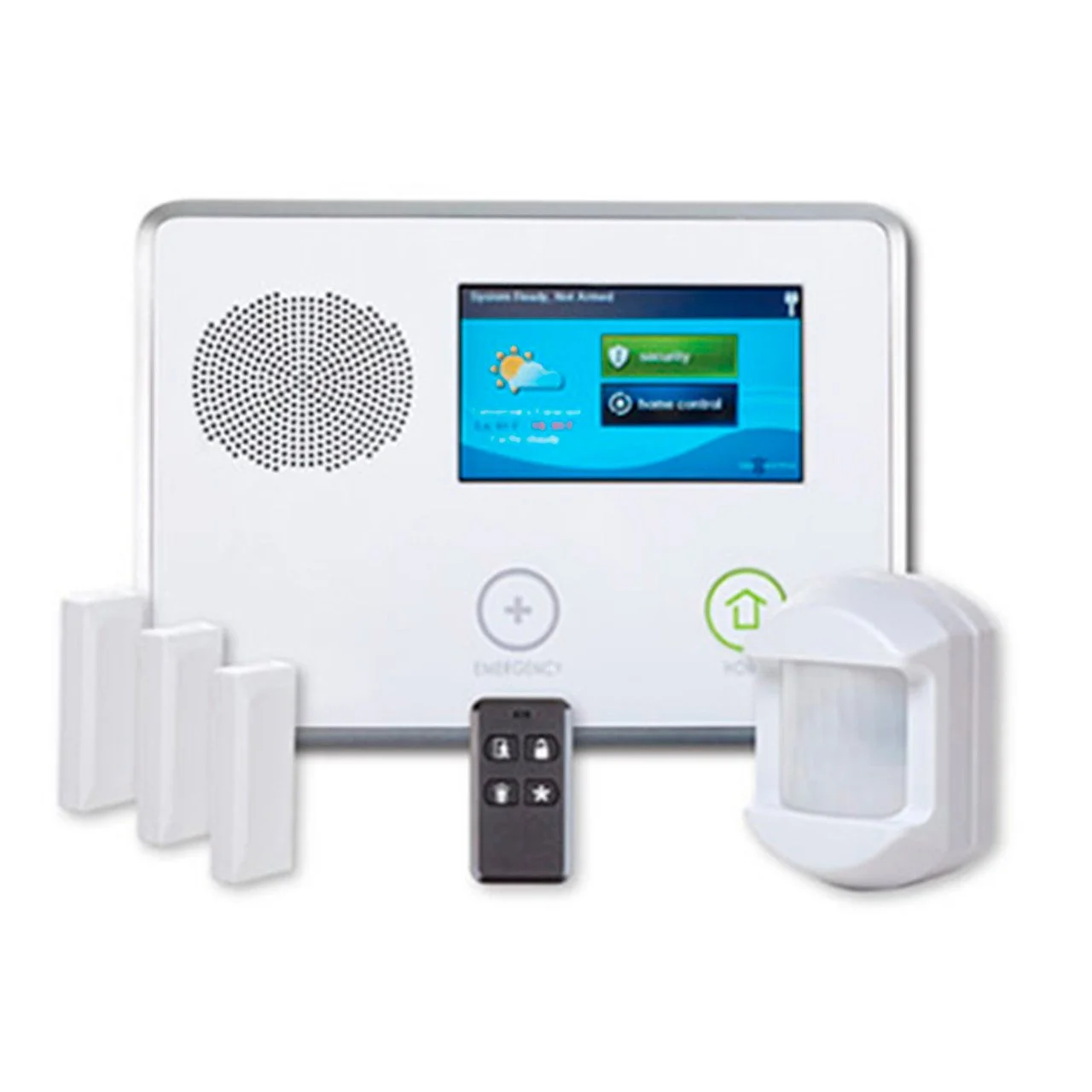
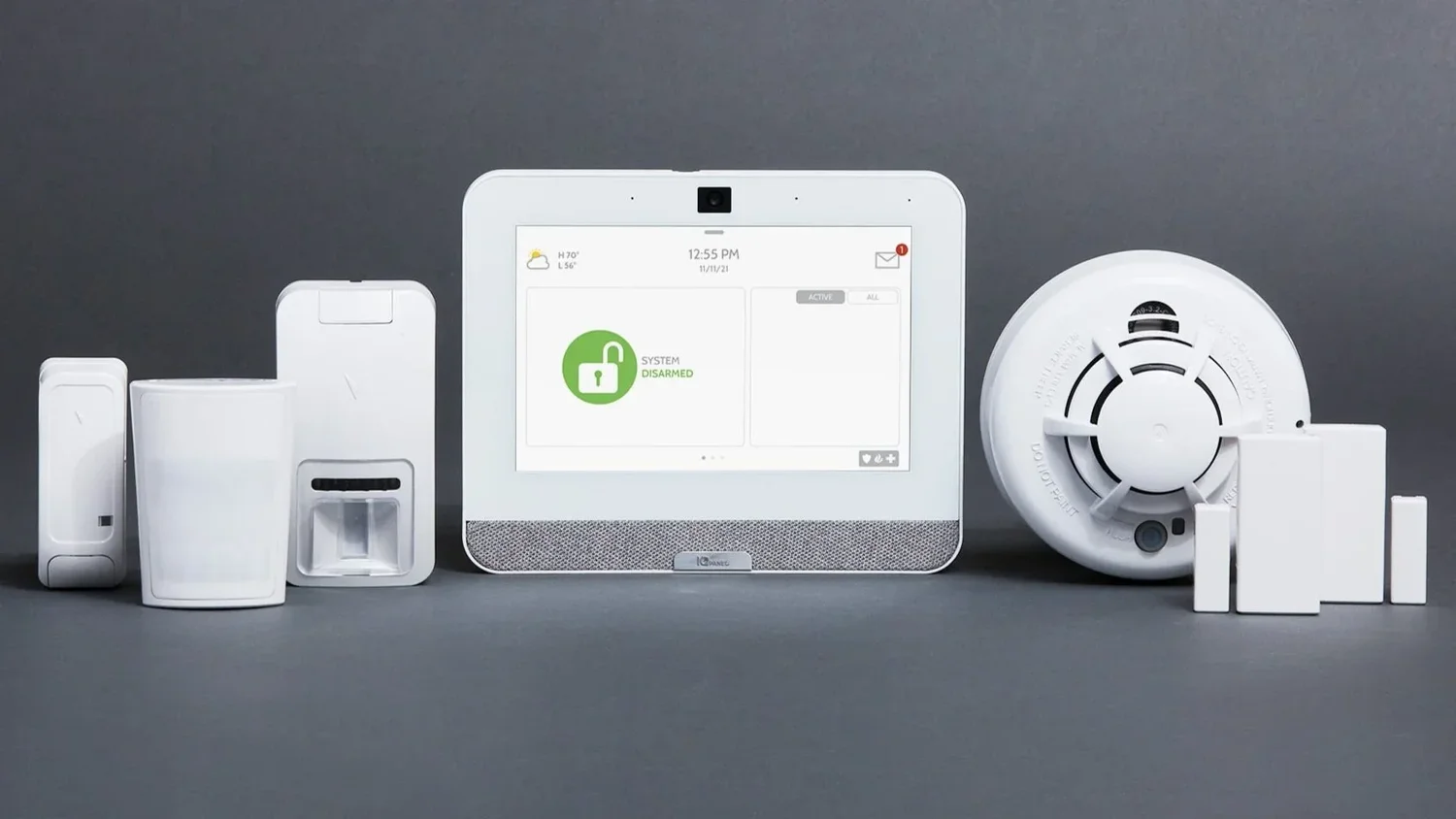
Walk the house with your phone and photograph what you find. Look for the keypad or hub, door and window sensors, motion detectors, smoke and carbon monoxide detectors, cameras, any video recorder, smart locks, a smart thermostat and garage door controllers. Note the model names on the panel where they are visible.
Pay special attention to areas that sellers often added later, such as a casita, a converted garage, a new patio slider or a pool door alarm. These may or may not be connected to the main system.
Keep serial numbers, codes and account details private. Do not post photos of your panel or codes on social media or community groups.
Untangle Equipment, Account and Monitoring
Three separate questions determine what you actually have:
Who owns the hardware? Owned equipment usually conveys with the home. Leased equipment may belong to a company that expects it to be returned or covered by a new agreement.
Who controls the account? The app and the panel's programming may still be tied to the previous owner or their provider.
Is anyone monitoring it? A working keypad that beeps is not proof that alarms reach a monitoring center.
A security provider can usually help you answer all three. Existing equipment can sometimes be reused, but compatibility depends on the specific models, their condition, how they communicate and whether the panel is locked to another company. Get that assessment before agreeing to replace everything.
Key point: Resist the urge to factory-reset devices on day one. A reset can erase useful programming and, on some equipment, make it harder to bring the system back into service.
Shut Out Former Owners and Old Access
This is the step people put off, and it is the one that matters most. Previous owners, their family, house cleaners and contractors may all still have codes, app access or shared camera feeds.
Have the alarm user codes reviewed and replaced through the proper process.
Transfer ownership of cameras, doorbells and smart locks so old accounts are removed, following each manufacturer's instructions.
Reprogram garage door openers and keypad entry codes, and ask the HOA about replacing gate fobs.
Change the Wi-Fi network name and password if any devices came preconfigured.
Use strong, unique passwords and turn on two-factor authentication where offered.
Once the system is active on your account, walk through each sensor and match its name to the actual door, window or detector. Arizona homes often get remodeled, so a zone labeled "back door" may now be a wall, or a new slider may have no sensor at all.
Before testing anything monitored, ask your provider to place the account in test mode, and confirm how normal monitoring resumes afterward. While you are at it, learn the entry delay, the arming modes, how to cancel an accidental alarm and who receives notifications. Make sure your emergency contacts are current.
If the previous owners were snowbirds, look for leftover settings, such as vacation schedules on the thermostat or lights set on timers for an empty house.
Questions to Bring to Your Appointment
Which devices can stay, and which need replacing? Why?
Will the existing cameras work with the system I am choosing?
What are the installation, activation and monitoring costs?
Is there a minimum agreement length?
Can you give me an itemized proposal and note any compatibility limits in writing?
Adapt Home can review the equipment you inherited, explain what is worth keeping and design a customized home security system around your new home. Get a free quote or call (833) 902-5036 to schedule a free consultation with a security specialist.
Questions about your home?
Talk with a local Adapt Home specialist. The consultation is free.
Does the previous owner's alarm monitoring transfer with the house?
Usually not. Monitoring is typically tied to the previous owner and ends when they cancel. You will need to set up service in your own name.
Can I reuse the alarm equipment that came with my new home?
Sometimes. It depends on the models, their condition, how they communicate and whether the panel is locked to another company. Have a provider assess it before replacing everything.
Should I factory-reset the security devices when I move in?
Not right away. A reset can erase programming and may make some equipment harder to reuse. Have a provider review the system first, then remove old users through the proper process.
How do I remove the previous owners from cameras and smart locks?
Use each device's ownership transfer or account removal process, change all codes and passwords, and reprogram garage openers. Enable two-factor authentication where available.
Interested in protecting your home or business? Request a quote and one of our security specialists will reach out to see how we can customize a security system that works for you.