
Mapping Your Camera Coverage: A Planning Guide for Arizona Homes
The number of cameras matters far less than what each one can actually see. Start with the property, then choose the equipment.
Read articleA camera that looks sharp at noon can disappoint after sunset. Most nighttime picture problems come from a short list of causes you can check yourself.
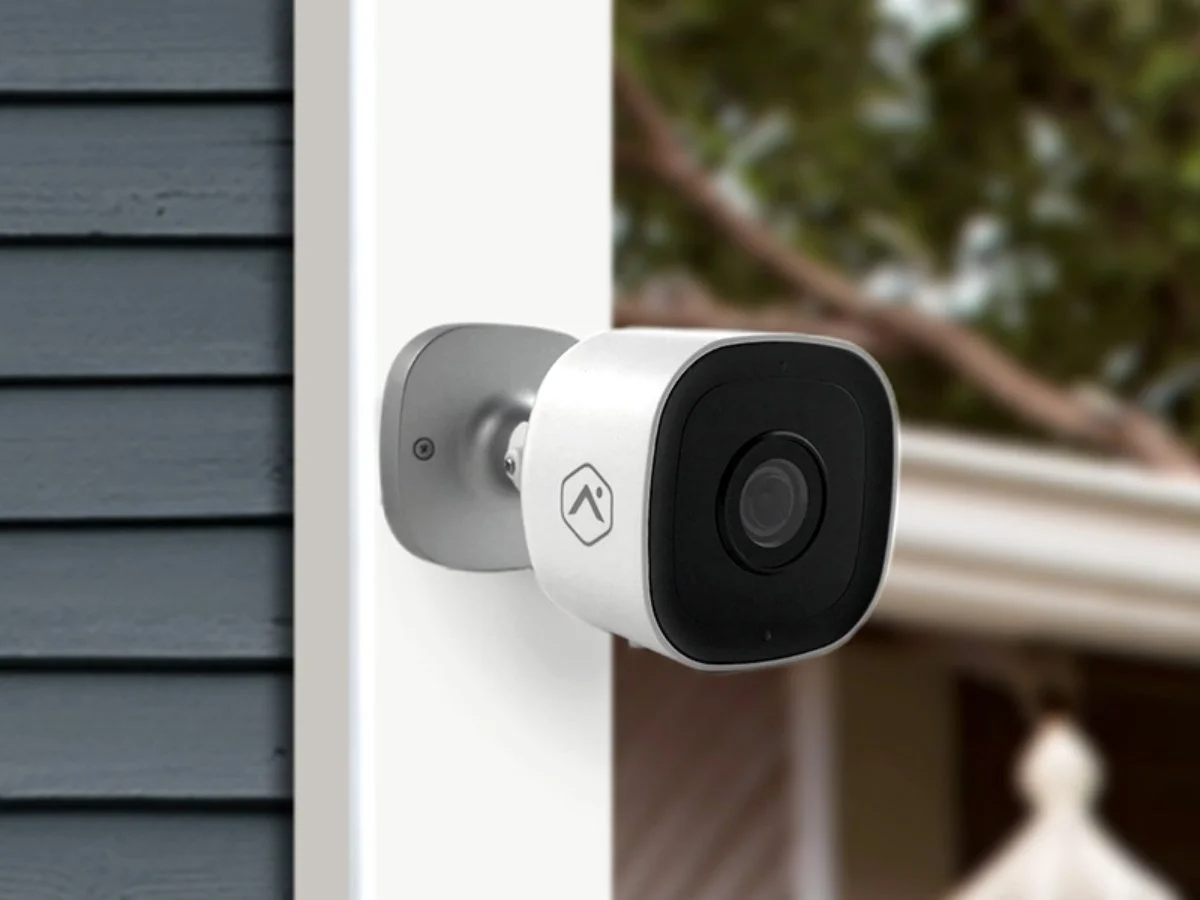
It is a familiar disappointment. You get an alert at 11 p.m., open the clip and see a ghostly gray blur crossing the driveway. In daylight the same camera looks great. Before you decide the camera is defective and shop for a replacement, it is worth working through the usual suspects. Many nighttime problems come down to light, dirt or placement rather than the device itself.
Night video can go wrong in several different ways, and each has a different fix. Save a short clip of the issue and jot down the time, the weather and which outdoor lights were on. Then compare the live view with the recording and decide which description fits best:
Change one thing at a time. Adjusting several settings at once makes it impossible to tell what actually helped.
A lens that looks fine in daylight can glow badly at night, because the camera's own infrared light catches every speck on the glass. In Arizona, dust from a single monsoon storm or a windy afternoon can be enough. Sprinkler overspray leaves mineral spots, and spiders love the warm housing and the insects drawn to nearby lights.
If webs are a repeat problem, our guide to keeping cameras spider-free has practical prevention tips.
Most cameras switch to infrared at night, flooding the scene with light your eyes cannot see. When something sits very close to the lens, that infrared bounces straight back and washes out the image. Common culprits on Arizona homes include:
Tilting the camera slightly away from the nearby surface, or moving it a few inches out from the wall, often clears the haze. Cameras behind glass usually work far better in daylight than at night, since the infrared reflects off the window.
Lights can help a night picture or ruin it. A coach light beside the garage, landscape uplights on a palo verde, a glowing pool or the headlights of a car pulling in can all overwhelm the camera so that everything near them turns to shadow. Some ideas:
Many cameras can also switch between infrared and color night modes depending on how much ambient light is available, so the right lighting may change which mode looks better.
A still image of an empty yard says little about whether you can recognize a person. Low light forces cameras to work harder, and movement that looks sharp at noon can smear after dark. Ask someone to walk the route a visitor or intruder would take while you watch the recording. Check the approach and the spot where you most need detail, such as the front door or a side gate.
When a setting change helps, repeat the walking test before you keep it, and write down the original values so you can return to them. Be realistic, too: no camera captures every face or license plate at every distance, so match expectations to placement. Our article on planning camera coverage explains how to pair wide and close views.
If you have cleaned, re-aimed and adjusted without much improvement, the problem may be placement, the amount of light at the scene or the camera's own capability. Pull together the camera model, a daytime clip, a nighttime clip and a sentence describing what you need to see. Never include account passwords in an email or text.
If you are planning a new system, ask for a nighttime check as part of the installation rather than discovering problems weeks later. Adapt Home video surveillance puts outdoor, doorbell and indoor cameras in one mobile app, and local technicians can review placement and lighting with you. To talk it through, get a free quote or call (833) 902-5036.
Talk with a local Adapt Home specialist. The consultation is free.
Usually dirt on the lens or infrared light reflecting off something close to the camera, such as a wall, eave or window glass. Clean the lens and angle the camera slightly away from nearby surfaces.
Usually not well. The camera's infrared light reflects off the glass and washes out the image. Cameras behind windows tend to work in daylight but struggle after dark unless the infrared is turned off and there is outside lighting.
They can do either. Soft, even light near an entry can improve detail, but a bright fixture inside the frame can create glare that hides everything around it. Try keeping strong lights at the edge of the view or out of it.
Low light makes cameras work harder, and moving subjects can smear. Better lighting where people stop, careful positioning and testing with someone walking through the scene usually help more than changing the camera.
Learn more
The number of cameras matters far less than what each one can actually see. Start with the property, then choose the equipment.
Read article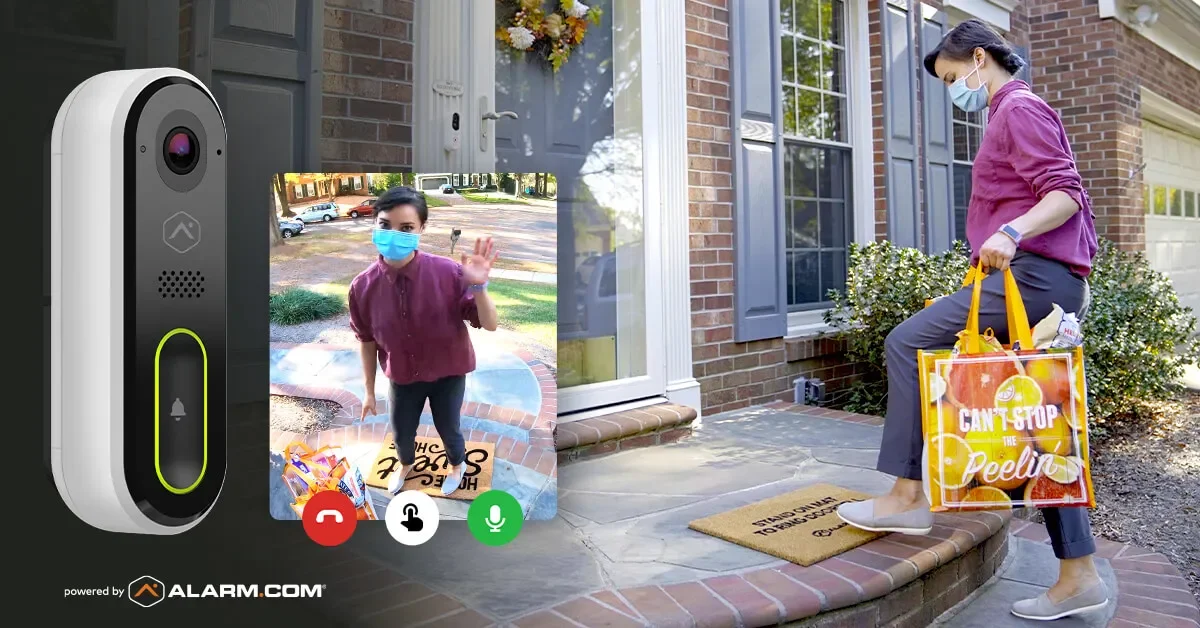
Online orders show up on Arizona porches every day. A doorbell camera, smart delivery habits and a plan for what to do if a package disappears go a long way.
Read articleAn outdoor camera tucked under an eave is a perfect hangout for spiders and the bugs they hunt. A few habits keep the view clear and the alerts meaningful.
Read articleFree consultation
Interested in protecting your home or business? Request a quote and one of our security specialists will reach out to see how we can customize a security system that works for you.
(833) 902-5036Tell us a little about your home or business. It takes about a minute.
Request a quote Call (833) 902-5036