
How to Stop Porch Pirates: Preventing Package Theft at Your Arizona Home
Online orders show up on Arizona porches every day. A doorbell camera, smart delivery habits and a plan for what to do if a package disappears go a long way.
Read articleThe number of cameras matters far less than what each one can actually see. Start with the property, then choose the equipment.
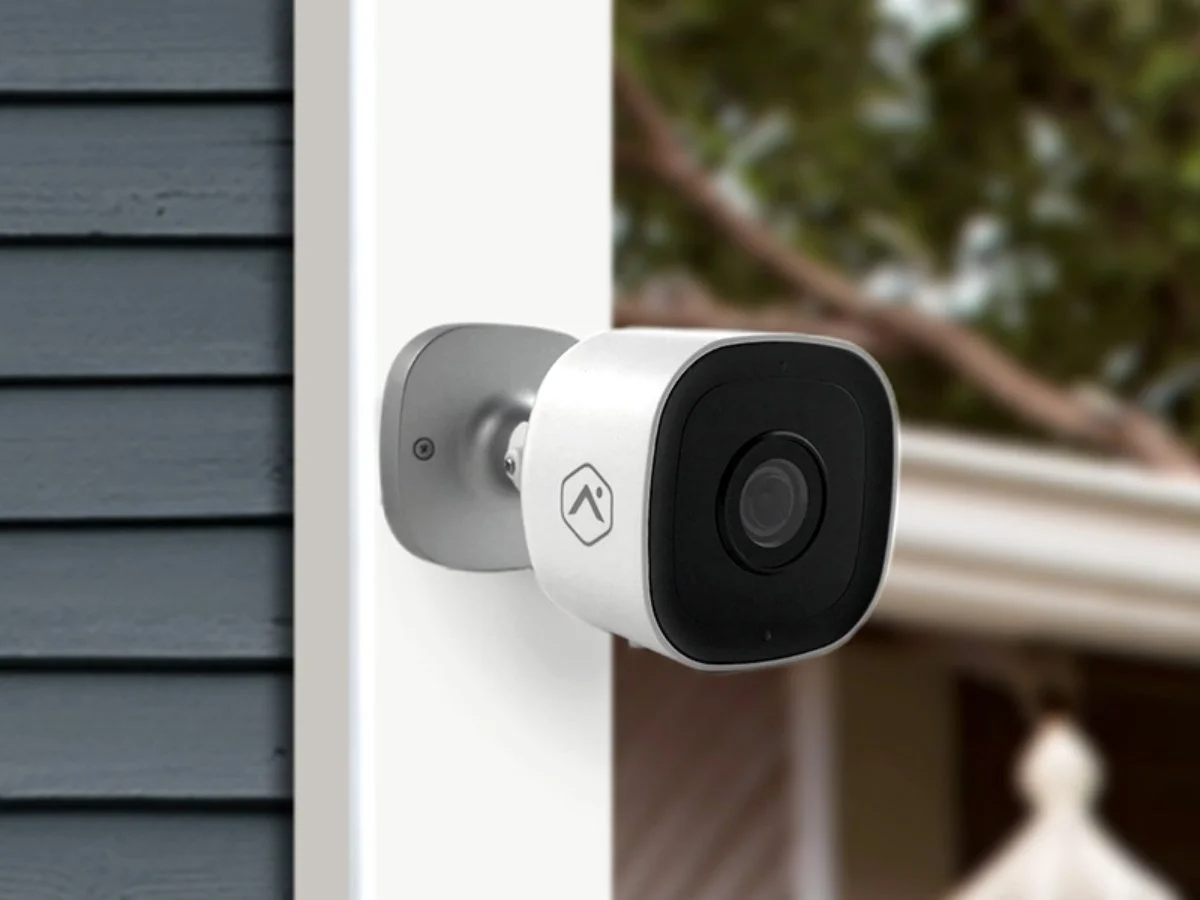
Most people begin shopping for security cameras by picking a number. Four sounds about right, or maybe six. The trouble is that a number says nothing about whether you will be able to make out what matters when you scroll back through a clip. A stronger plan starts with the property and works backward to the hardware.
Every camera should have a job you can describe in one sentence. A few examples:
Sketch the lot on paper: the house, the driveway, the gates, the walls and the doors. Then trace each route a person could realistically take onto the property. For a typical home in the Phoenix area or around Tucson, that list is shorter than expected. It is usually the front entry, the driveway and garage, one or two side gates and the back patio door. Those become your priorities.
A camera mounted high on the corner of the garage can take in the whole driveway and part of the street. That overview tells you something happened, but a person at the far end of a wide frame fills only a sliver of the image, so a face may not be clear. A doorbell camera, or a camera mounted closer to where people pause at an entry or gate, delivers the detail.
When you look at a proposal, ask how large a person will appear in the frame at the spot that matters. Extra resolution helps, but it does not replace putting the camera where it can see the right thing. Capturing license plates on moving cars is a specialized task, particularly after dark, and needs its own planning if it matters to you.
A handful of local conditions come up on almost every home here:
Decide up front whether each camera will be hardwired, plug-in or battery-powered. Wired cameras need a cable path, which often means crawling through an attic, and Arizona attics are punishing in summer. Battery cameras are easy to place but need recharging, and extreme heat can wear batteries faster. Think about how you will clean the lens later, especially on a two-story home. A camera you cannot reach slowly collects dust and webs until the picture fades.
Coverage is only half the plan. The other half is what the system does with what it sees:
Ask to see how a clip is saved and shared before you ever need to do it for real. With Adapt Home video surveillance, outdoor, doorbell and indoor cameras all appear in one mobile app with motion clips and two-way voice, so you can check an alert and speak to a visitor from wherever you happen to be.
Be considerate of the people next door, too. Point cameras at your own property and approaches, and avoid views over the wall into a neighbor's yard or pool. It is also worth reading your HOA guidelines, since some communities have rules about exterior equipment.
Once cameras are mounted, walk each approach at a normal pace while someone else watches the recording. Do it once in the afternoon and again after sunset. Porch lights, landscape uplighting, pool lights and passing headlights can change the picture dramatically at night. When a view falls short, the fix is often an adjusted angle, better lighting or a changed setting. Our night vision tips go further.
A finished plan should list each camera's location, its purpose, how it records and any known limitation, so everyone in the house knows what to expect.
A local technician can often spot coverage gaps quickly, because they look at Arizona homes every day. Adapt Home designs customized camera layouts with 1-on-1 service, and cameras can be paired with a monitored alarm system for fuller protection. To get started, get a free quote or call (833) 902-5036.
Talk with a local Adapt Home specialist. The consultation is free.
It depends on how many approaches the property has, not on a set number. Most homes need coverage of the front entry, the driveway and garage, side gates and the back patio, with closer views where people stop.
Under an eave or overhang is usually best, since it shades the camera from direct sun and keeps it out of the weather. Test Wi-Fi at the mounting spot, because stucco over metal lath can weaken wireless signals.
It is best not to. Aim cameras at your own property and the routes onto it, and avoid views into a neighbor's backyard, windows or pool. Check your HOA guidelines for any rules about exterior equipment.
Many homeowners use motion clips because they are easier to review and store. Continuous recording can make sense for key views. Decide based on what you want to review later and how long you need footage kept.
Learn more
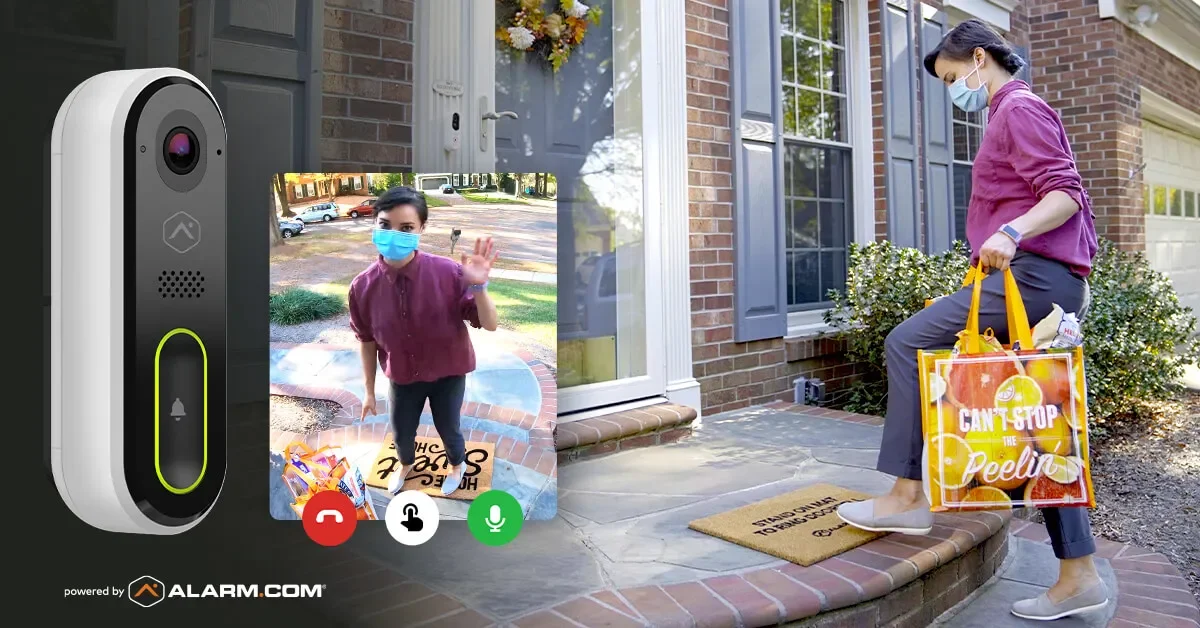
Online orders show up on Arizona porches every day. A doorbell camera, smart delivery habits and a plan for what to do if a package disappears go a long way.
Read articleAn outdoor camera tucked under an eave is a perfect hangout for spiders and the bugs they hunt. A few habits keep the view clear and the alerts meaningful.
Read articleA camera that looks sharp at noon can disappoint after sunset. Most nighttime picture problems come from a short list of causes you can check yourself.
Read articleFree consultation
Interested in protecting your home or business? Request a quote and one of our security specialists will reach out to see how we can customize a security system that works for you.
(833) 902-5036Tell us a little about your home or business. It takes about a minute.
Request a quote Call (833) 902-5036