
Mapping Your Camera Coverage: A Planning Guide for Arizona Homes
The number of cameras matters far less than what each one can actually see. Start with the property, then choose the equipment.
Read articleAn outdoor camera tucked under an eave is a perfect hangout for spiders and the bugs they hunt. A few habits keep the view clear and the alerts meaningful.
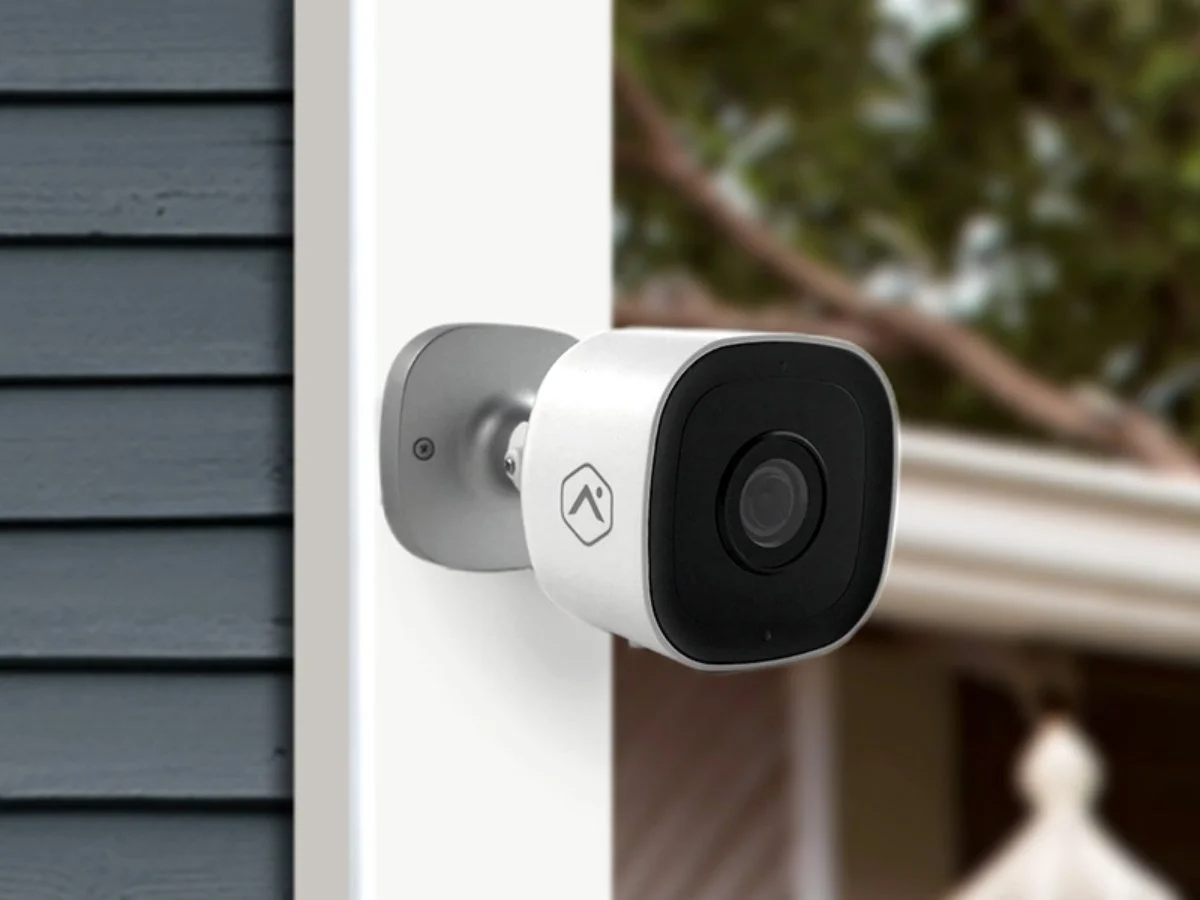
Sooner or later, almost every Arizona homeowner with outdoor cameras opens the app at night and sees a giant, glowing web stretched across the screen, or a moth fluttering an inch from the lens. It is a small annoyance until you realize the camera has been sending you motion alerts for it all week, and that the footage you might actually need is half hidden.
The fix is not complicated. It comes down to understanding why cameras attract critters and building a little upkeep into your routine.
Outdoor cameras sit exactly where spiders like to set up shop. Most are mounted under eaves, patio covers or garage overhangs, which are sheltered from wind, rain and afternoon sun. The housing and bracket give webs plenty of anchor points.
Food is the other draw. Porch lights, garage lights and coach lights near a camera pull in moths, beetles and other night-flying insects, especially on warm summer evenings. Spiders follow the insects. In much of Arizona, so do scorpions, which are skilled climbers on stucco and block walls and are often found hunting around exterior lights.
Night vision adds a twist. Infrared illuminators let a camera see in the dark, and some give off a faint red glow. More importantly, infrared lights up anything close to the lens. A single strand of web or a small bug a few inches away can look huge and bright on screen, washing out the scene behind it.
Regular cleaning is the most effective step, and it only takes a few minutes per camera. During the warmer months, when insects and spiders are most active, check more often.
Cleaning removes the problem. These steps help keep it from coming back as quickly:
Spiders are not the only thing clouding Arizona cameras. After a haboob, a thin layer of fine dust can coat every lens on the house. Monsoon rain leaves spots as it dries, and a sprinkler head aimed the wrong way can leave hard water deposits on a low-mounted camera. Give lenses a gentle wipe after big storms, and adjust any irrigation that reaches your cameras. Our monsoon security guide includes a full after-the-storm checklist.
Where and how a camera is mounted makes a big difference. Avoid placing a camera directly beside a bright porch light when possible, and give it a little space from tight eave corners where webs collect. In your app, draw motion zones that focus on walkways, doors and driveways, and turn on person detection if your camera supports it. Those two settings alone can cut down on bug-related alerts.
If you are adding or replacing cameras, a technician can help you weigh placement against heat, glare and pests. See our guide to night vision tips for more on getting clear footage after dark.
Adapt Home installs outdoor, doorbell and indoor cameras that you can view in one mobile app, with placement chosen for your home. Learn more about our video surveillance options, then get a free quote or call (833) 902-5036 for a free consultation.
Talk with a local Adapt Home specialist. The consultation is free.
Cameras are usually mounted in sheltered spots under eaves, and nearby lights attract the insects spiders feed on. The housing and bracket also give webs good anchor points.
Yes. Webs moving in the breeze, and insects crawling near the lens, often register as motion, especially at night when infrared light makes them bright on screen.
Brush away webs and dust, then wipe the lens with a clean, dry microfiber cloth. Avoid spraying cleaners directly on the camera or using harsh chemicals that can damage the lens or housing.
Check them regularly and more often during warm months when insects are active. It is also a good idea to wipe lenses after dust storms and monsoon rain.
Learn more
The number of cameras matters far less than what each one can actually see. Start with the property, then choose the equipment.
Read article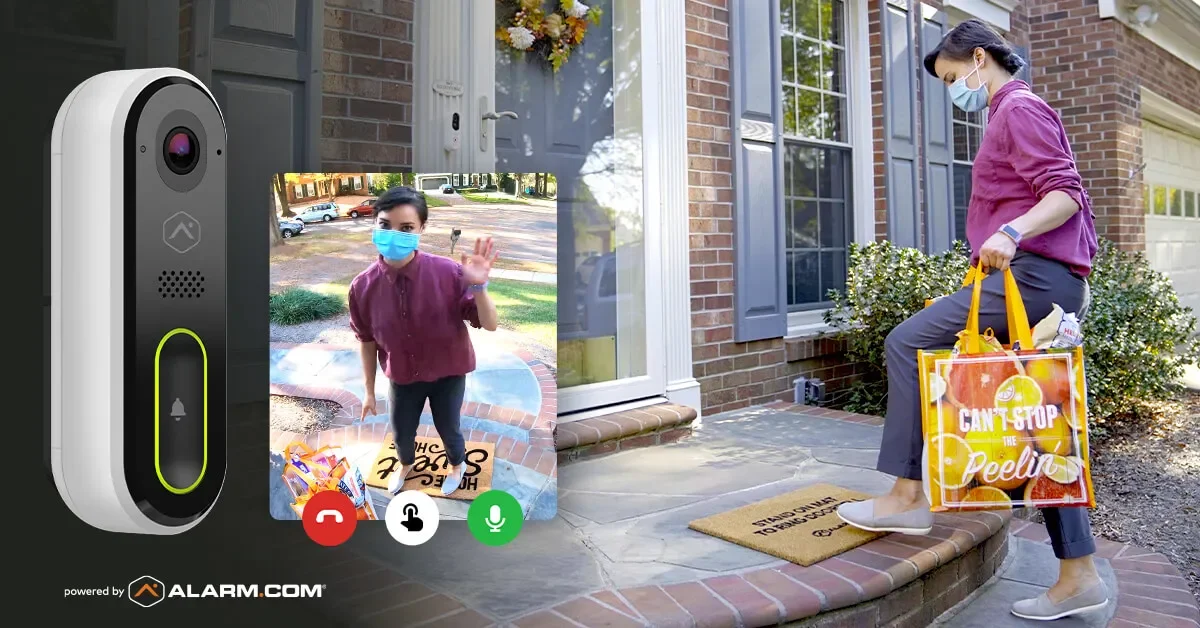
Online orders show up on Arizona porches every day. A doorbell camera, smart delivery habits and a plan for what to do if a package disappears go a long way.
Read articleA camera that looks sharp at noon can disappoint after sunset. Most nighttime picture problems come from a short list of causes you can check yourself.
Read articleFree consultation
Interested in protecting your home or business? Request a quote and one of our security specialists will reach out to see how we can customize a security system that works for you.
(833) 902-5036Tell us a little about your home or business. It takes about a minute.
Request a quote Call (833) 902-5036