Leaving Town? A Pre-Trip Security Plan for Arizona Homeowners
A few hours of preparation the week before a trip means fewer surprises while you are away and a calmer return home.
Read articleWhether you head north when the heat arrives or fly in for the winter, a few smart habits and the right equipment let you keep an eye on your Arizona home from anywhere.
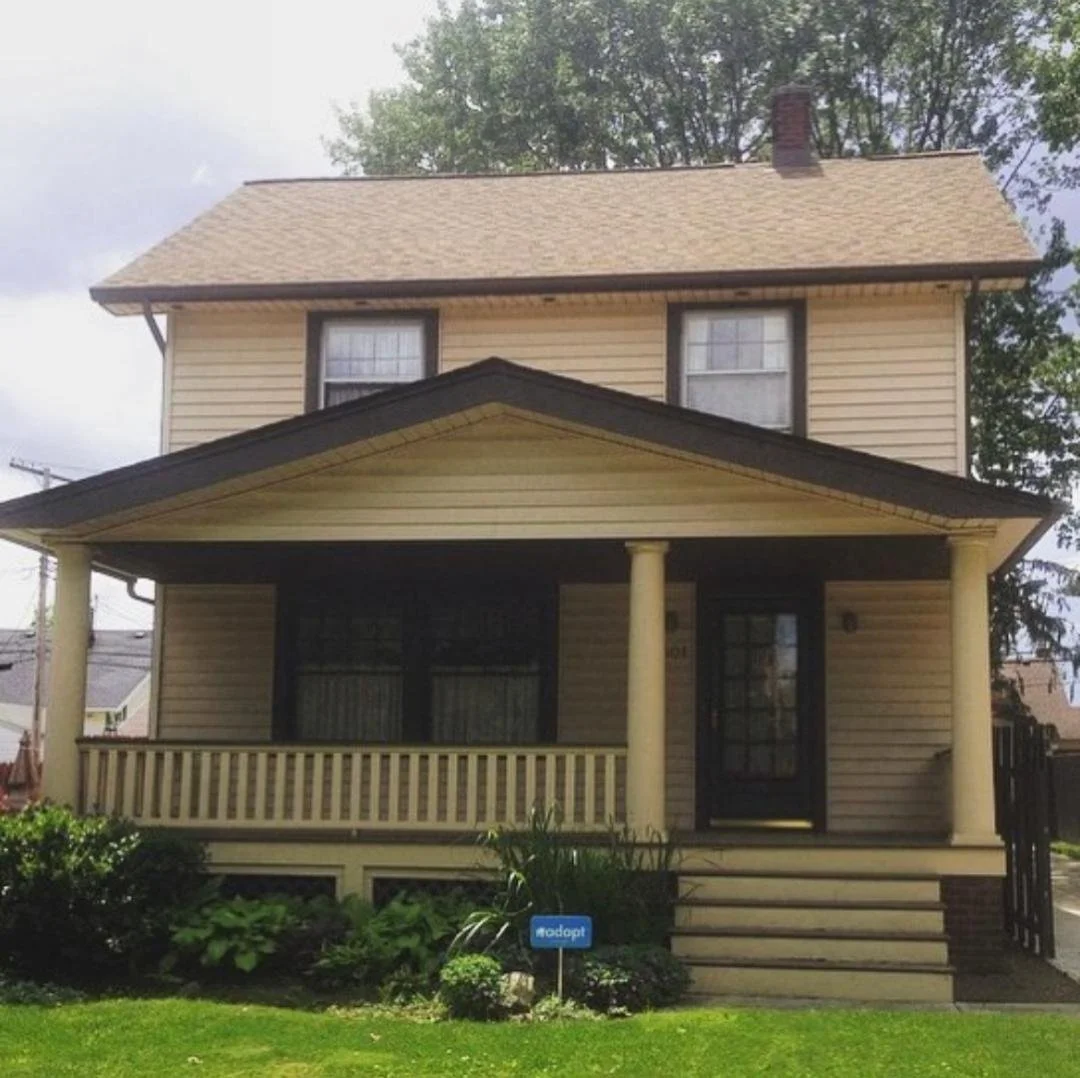
Seasonal living is part of what makes Arizona special. Many families spend the cooler months here and leave when summer arrives, while others keep a winter home and spend the rest of the year somewhere else. Either way, the house sits empty for weeks or months at a time, and an empty house has different needs than one with people coming and going every day.
The good news is that modern security and smart home tools make it far easier to manage a seasonal home from a distance. Here is a practical checklist for snowbirds, whether you are packing up for the summer or opening the house back up for winter.
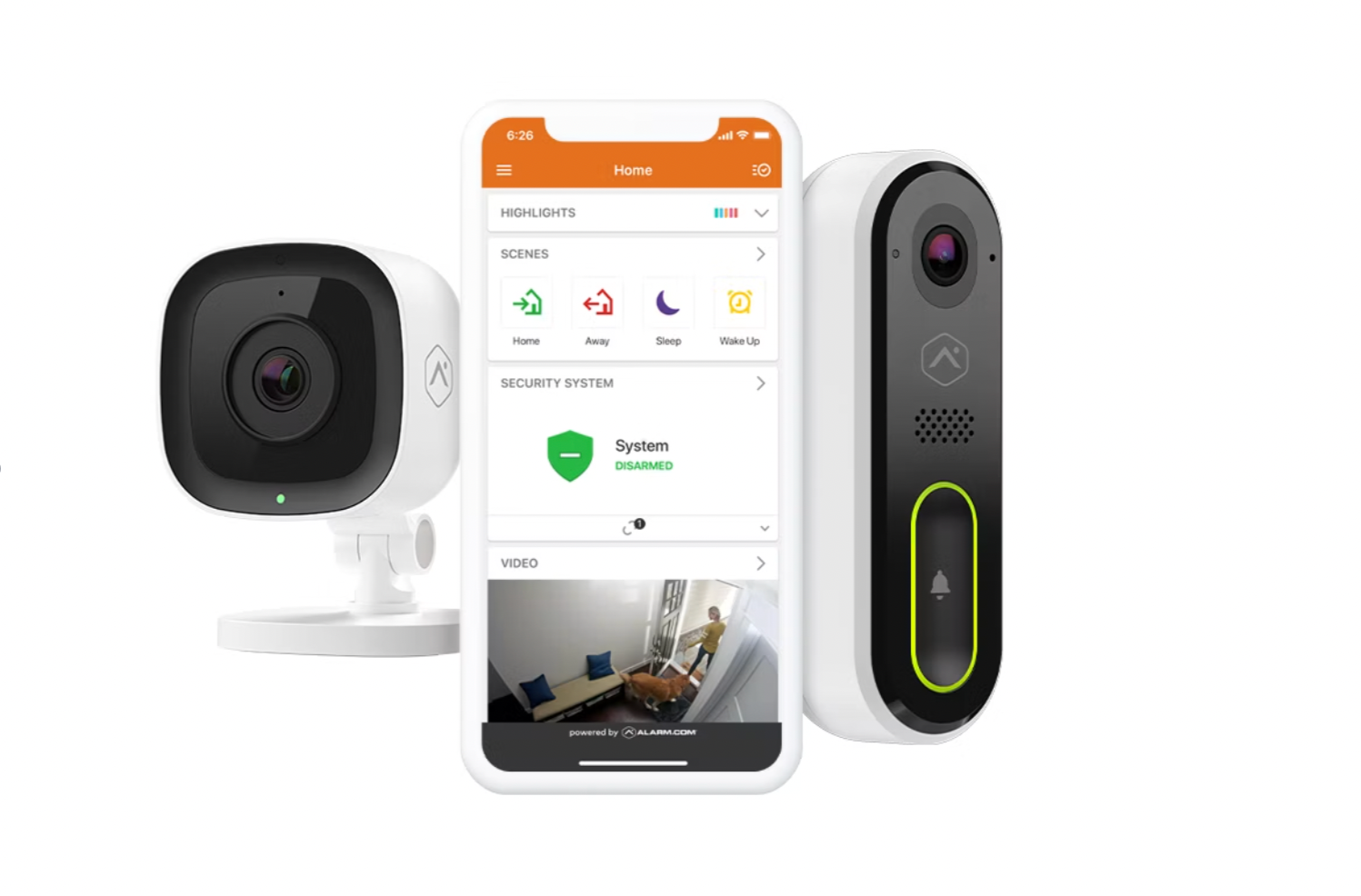
A security system with a mobile app lets you confirm the house is armed after you leave, see whether any door or window has been opened, and get an alert the moment something happens. That peace of mind is hard to overstate when you are a few states away.
You can learn more about how monitored home security systems work, including professional monitoring that contacts you and the authorities if an alarm goes off.
Outdoor, doorbell and indoor cameras turn your phone into a window back home. A quick look each morning can tell you whether a package was left on the porch, whether the landscaper came as scheduled, or whether a monsoon storm blew the patio furniture into the pool.
For more ideas on camera placement, see our guide to video surveillance in Arizona.
Many seasonal homes have a pool service, landscaper, house sitter or neighbor who needs access while you are away. Handing out physical keys makes it hard to know who has one and when they used it. A smart lock solves both problems.
An empty Arizona house in July still needs some cooling. Shutting the air conditioning off completely can let indoor temperatures climb high enough to stress electronics, damage some finishes and furnishings, and encourage humidity problems during monsoon season. Rather than guessing, ask your HVAC professional what set point makes sense for your home and contents.
A smart thermostat makes this easy to manage. You can raise the temperature to an energy-saving level while you are gone, check the indoor temperature from your phone, and get an alert if something seems off, such as a reading that keeps climbing. Before you return, lower the set point a day ahead so the house is comfortable when you walk in. Our page on home automation covers how thermostats, locks and lights can all work from one app.
An obviously empty home stands out. Small touches help it look occupied:
If your alarm is professionally monitored, the monitoring center relies on your contact list when an alarm goes off. When you are out of state, that list matters even more.
When you return, walk the house before settling in. Check that every sensor and camera is online, replace any low batteries the app has flagged, review your lock codes, and reset your thermostat and lighting schedules for full-time living.
Adapt Home works with seasonal residents in communities across the state, from Scottsdale to Surprise and Tucson. If you would like help setting up a system you can manage from anywhere, get a free quote or call (833) 902-5036 to talk with a security specialist.
Talk with a local Adapt Home specialist. The consultation is free.
Yes, if your system has a mobile app. You can arm, disarm and check the status of your system from your phone wherever you have a data connection.
A smart lock lets you give the pool service its own code, see when that code was used and delete it when you no longer need it, without handing out physical keys.
Most homeowners keep the AC running at a higher set point rather than turning it off, since an empty house can get very hot. Ask your HVAC professional what setting is right for your home, and use a smart thermostat to monitor it remotely.
Confirm your phone number and email are current, add a local contact who can check the home in person, and let them know the dates you will be away if they keep vacation notes.
Learn more
A few hours of preparation the week before a trip means fewer surprises while you are away and a calmer return home.
Read article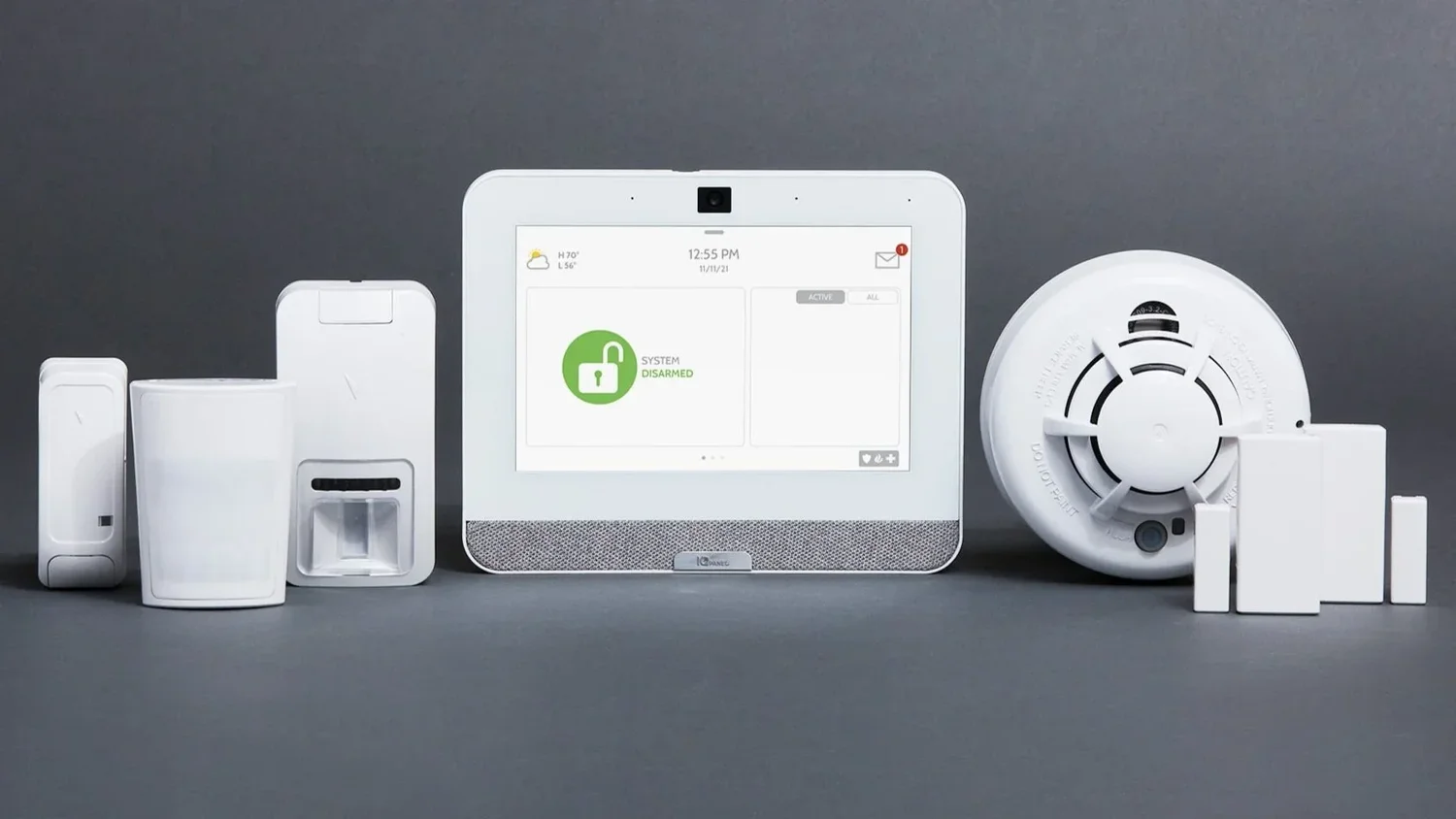
Haboobs, lightning and sudden outages are part of every Arizona summer. Here is how to make sure your alarm and cameras keep doing their job when the weather turns.
Read articleThe equipment goes up in a few hours. Knowing how to live with it takes a little more attention. Use this list to get real value out of the walkthrough with your technician.
Read articleFree consultation
Interested in protecting your home or business? Request a quote and one of our security specialists will reach out to see how we can customize a security system that works for you.
(833) 902-5036Tell us a little about your home or business. It takes about a minute.
Request a quote Call (833) 902-5036