Leaving Town? A Pre-Trip Security Plan for Arizona Homeowners
A few hours of preparation the week before a trip means fewer surprises while you are away and a calmer return home.
By the Adapt Home team · · 6 min read
Whether it is a week in San Diego to escape the heat, a holiday trip to see family or a long weekend in the mountains, the days before you leave are always busy. Packing, pet arrangements and work handoffs tend to crowd out the house itself. Yet most of what can go wrong at an empty home can be prevented with a little planning.
This guide is for trips measured in days or weeks. If you leave Arizona for the whole summer or split the year between two homes, our guide for snowbirds covers the extra steps that longer absences call for.
A Week Out: Make Sure the System Is Ready
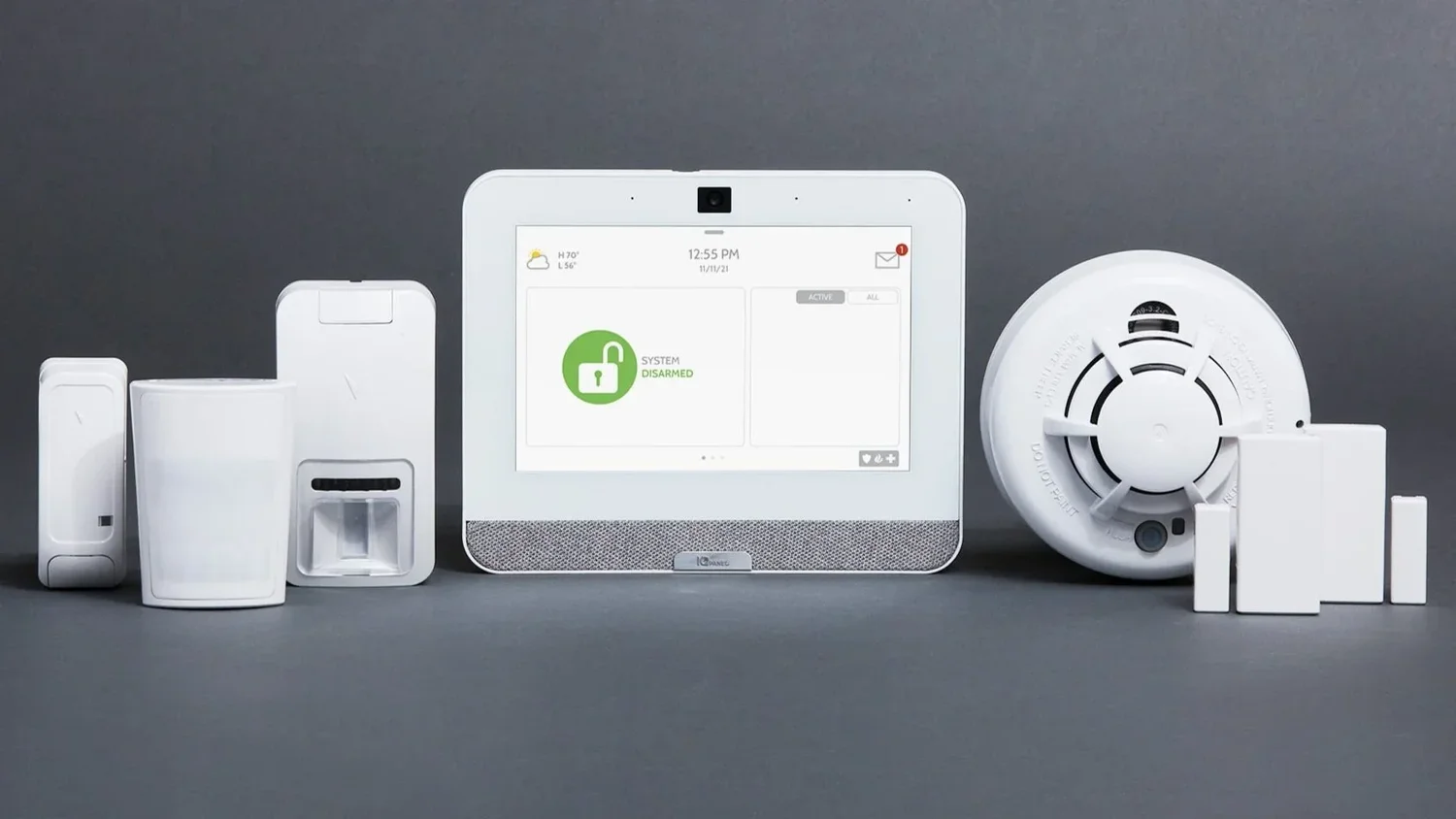
Your alarm system works harder when nobody is home, because there is no one around to notice a problem. Give it a quick checkup well before departure day:
Test every door and window sensor. Open each one with the system in a chime or test mode and confirm it registers.
Clear any trouble alerts. A low-battery warning or a sensor that reports open will leave a gap while you are gone.
Update your contacts. Make sure the monitoring center has your current mobile number and at least one local contact who could respond if you cannot be reached.
Check your app. Confirm you can arm, disarm and receive notifications from your phone, and that notifications are not muted.
If you do not have a monitored system yet and the house will sit empty for a week or more, this is a sensible time to put one in. Doing it ahead of the trip leaves room to test everything before you go.
Plan Who Will Come and Go
Arizona homes often have a steady stream of service visitors: the pool tech, the landscaper, a pet sitter, a neighbor grabbing the mail. Each of them needs a way in that does not involve a key under the mat or a rock by the door.
Give each person their own code. A smart lock lets you create individual codes, see when each one is used and delete them after you return.
Create separate alarm user codes. Visitors who need inside access should be able to disarm without you sharing your own code.
Sort out the side gate. If the pool service needs backyard access, arrange it through a gate lock combination you can change later rather than leaving the gate unlocked.
Review the garage keypad. Change the code afterward if you shared it with anyone for the trip.
Smart locks, lights and thermostats controlled through home automation make it possible to handle all of this from your phone.
Make the House Look Lived In
An empty house sends small signals: no lights in the evening, packages piling up, trash bins still at the curb two days after pickup. A few steps erase most of them:
Put interior lights on schedules that vary by room and by night rather than switching on at the same minute every evening
Place a mail hold with the Postal Service or ask a neighbor to collect it
Pause deliveries, or have a neighbor bring packages inside promptly
Ask someone to roll the bins out and back on trash day
Hold off on posting trip photos until you are home
Telling one trusted neighbor you will be away costs nothing and adds a set of eyes that technology cannot fully replace.
Prepare for Heat, Storms and Leaks
An Arizona home left alone in the warmer months faces risks beyond intruders.
Do not switch the AC off. Raise the thermostat to a higher setting instead. Shutting cooling down completely can let indoor temperatures climb high enough to stress electronics, furniture, artwork and anything living in the house, including pets in a sitter's care. A connected thermostat lets you adjust it remotely and cool the house back down before you get home.
Plan for outages. Monsoon storms can cut power and internet for hours. A system with a backup battery and cellular connection can keep protecting the house while the grid is down.
Think about water. A failed washing machine hose or a leaking water heater can run for days before anyone notices. Turn off the supply valves to the washer, consider water sensors near likely trouble spots, and read our article on water leak detectors for placement ideas.
Key point: Raise the thermostat rather than turning it off, and close the washing machine valves before any trip longer than a few days.
Know What to Do If an Alert Comes In
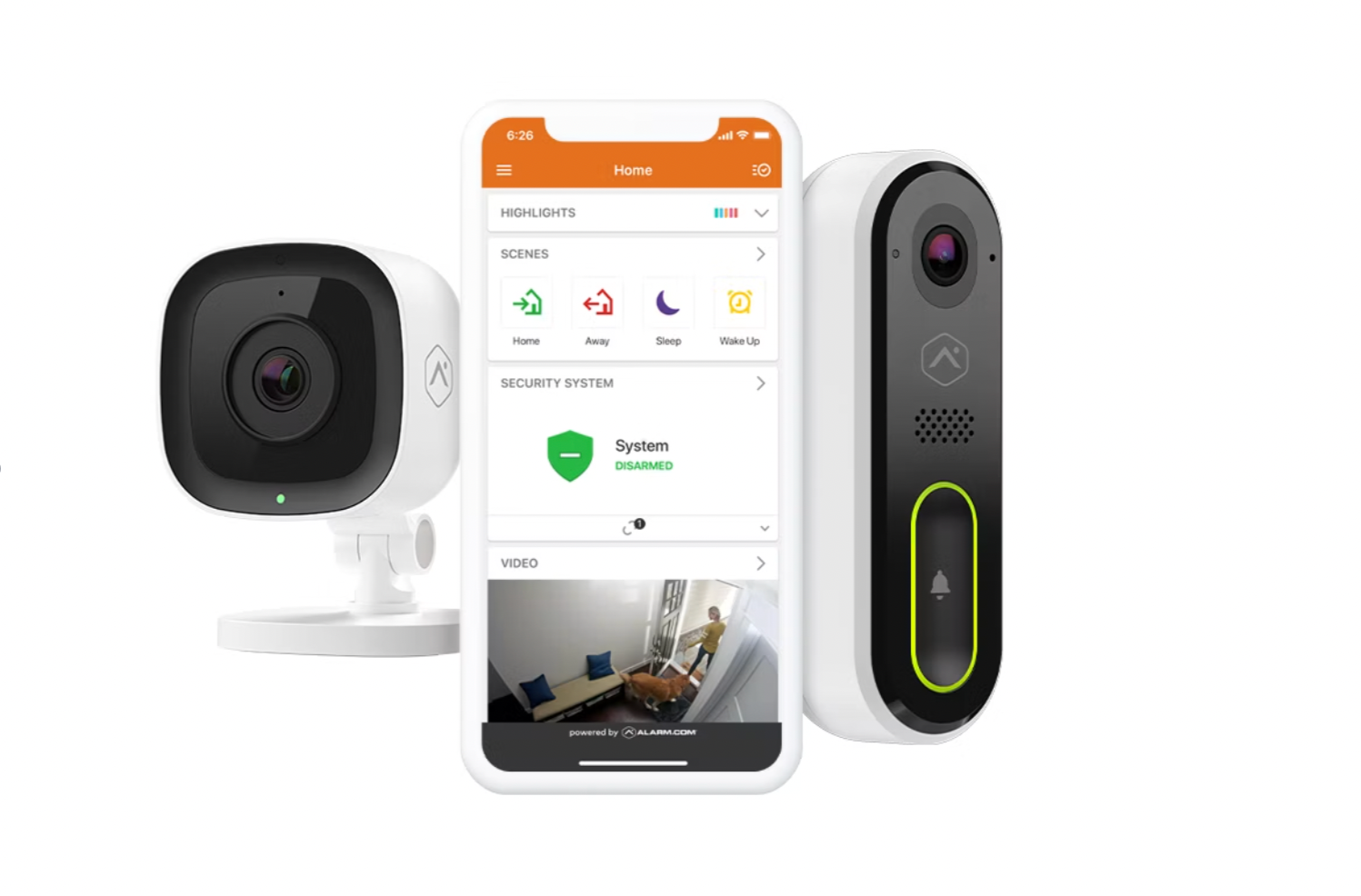
Cameras give you a way to check on the house in seconds. Outdoor and doorbell security cameras show who approaches the front step and the driveway, and two-way voice lets you speak to a delivery driver or visitor from wherever you are.
If an alarm or motion alert comes in, open the cameras first to see what is happening. Answer the call from the monitoring center and share anything you can see. If the alert looks real, let the authorities handle it, and never ask a neighbor to go inside to investigate.
Departure-Day Checklist
Arm the system and confirm the app shows it armed.
Check that temporary codes are set up for anyone who needs access.
Confirm lighting schedules are active.
Raise the thermostat setting rather than turning cooling off.
Close the washing machine supply valves and unplug nonessential electronics.
Lock side gates and confirm the mail hold.
Let a trusted neighbor know your dates and how to reach you.
Adapt Home helps homeowners across Arizona put together alarms, cameras, smart locks and thermostat control as one customized system, with 1-on-1 service from local technicians. If you would like your home ready before your next trip, get a free quote or call (833) 902-5036.
Questions about your home?
Talk with a local Adapt Home specialist. The consultation is free.
What should I set my thermostat to when I leave for vacation in Arizona?
Raise it to a higher setting rather than turning the AC off. Keeping some cooling running protects electronics, furniture and pets. A connected thermostat lets you lower the temperature remotely before you get home.
How do I let a pet sitter or pool tech in while I am away?
Give each person their own smart lock code and alarm user code, and use a changeable lock on the side gate for backyard access. Delete or change the codes once you return.
Should I tell the monitoring center I am going on vacation?
It helps to confirm your phone number and emergency contacts are current before you leave, and to make sure at least one local contact can respond if you cannot be reached while traveling.
How far ahead should I prepare my home before a trip?
About a week is ideal. That leaves time to test sensors, clear trouble alerts, set up visitor codes and lighting schedules, and confirm notifications reach your phone.
Interested in protecting your home or business? Request a quote and one of our security specialists will reach out to see how we can customize a security system that works for you.