Choosing a Home Security System in Arizona: A Practical Buyer's Guide
The right system is the one that matches how your household lives, not the one with the longest equipment list. Work through these decisions in order and the choice gets much simpler.
By the Adapt Home team · · 7 min read
Shopping for home security can feel like comparing cell phone plans. Every option promises peace of mind, and the equipment lists start to blur together. The good news is that you do not need to become an expert. You only need to answer a handful of questions about your home and your habits, then match a system to those answers.
Here is the order we suggest working through them.
Step One: Describe Your Home and Your Routine
Before looking at any equipment, write down a few facts about how you live. These details shape every later decision.
Layout. How many exterior doors do you have, including the garage entry, patio sliders and any casita? Which windows are easy to reach from the yard or an alley?
People and pets. Who is home during the day? Do you have a large dog that roams the house at night?
Time away. Do you travel often, or spend part of the year out of state?
Specific worries. Package theft, a pool young kids can reach, an aging parent living alone, a detached garage, a gas appliance, or all of the above.
A retired couple in a gated community near Scottsdale and a busy family in a new build in San Tan Valley will end up with very different systems, and both can be the right choice.
Step Two: Decide Who Responds When Something Happens
This is the most important decision, and it is about people rather than gadgets.
Self-monitoring means alerts go to your phone and you decide what to do. It can work for some households, but it depends on you seeing the alert, which is hard while you are asleep, in a meeting or on a flight.
Professional monitoring means alarm signals go to a monitoring center that contacts you and, when needed, sends the authorities. Many insurers also look for professional monitoring when offering a discount, which we cover in our insurance discount guide.
Key point: Ask any provider exactly which events reach the monitoring center. Intrusion, fire and carbon monoxide alarms are the ones that matter most.
Step Three: Choose the Core Equipment
Most well-designed systems start from the same building blocks, then adjust for the home. Here is what to look for and why:
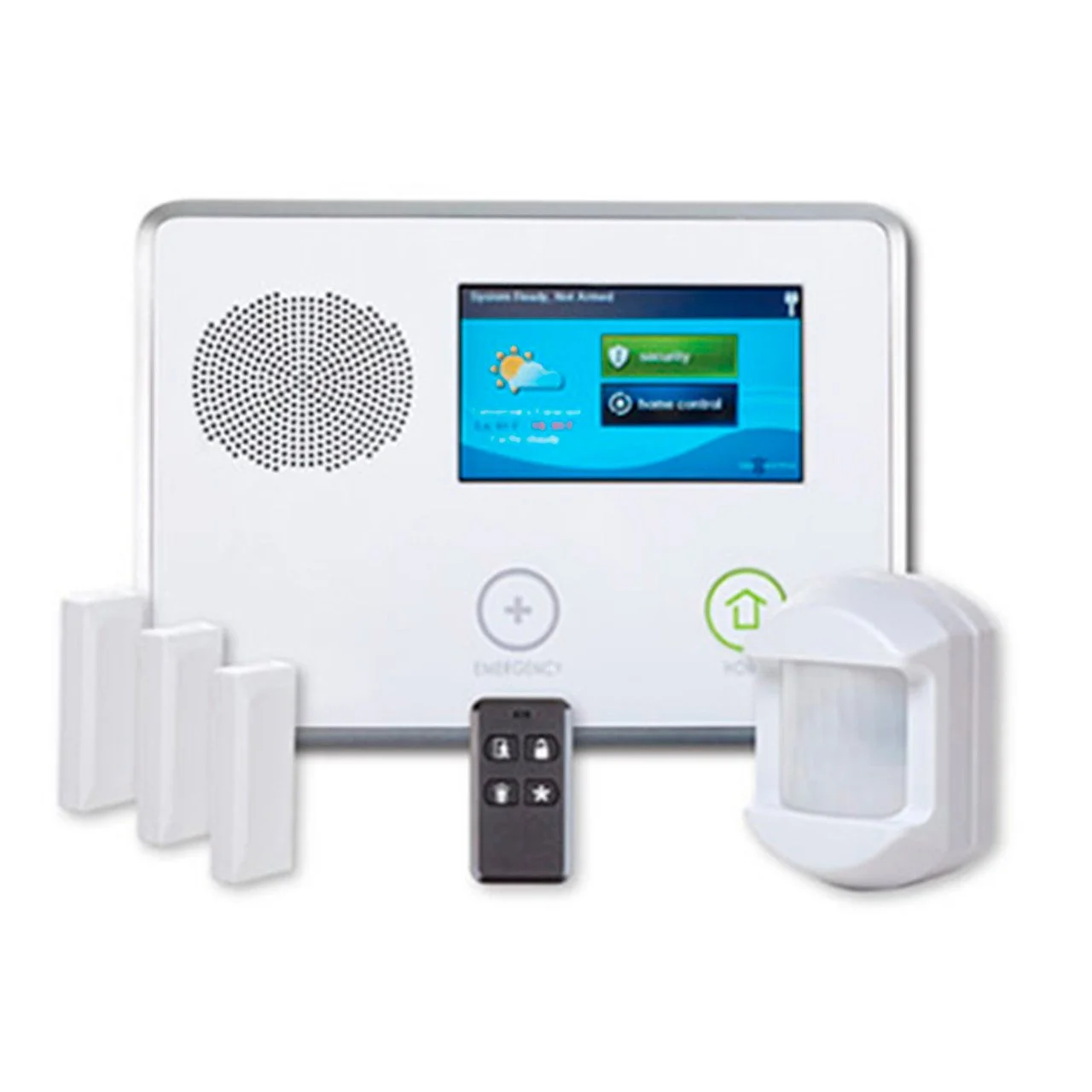
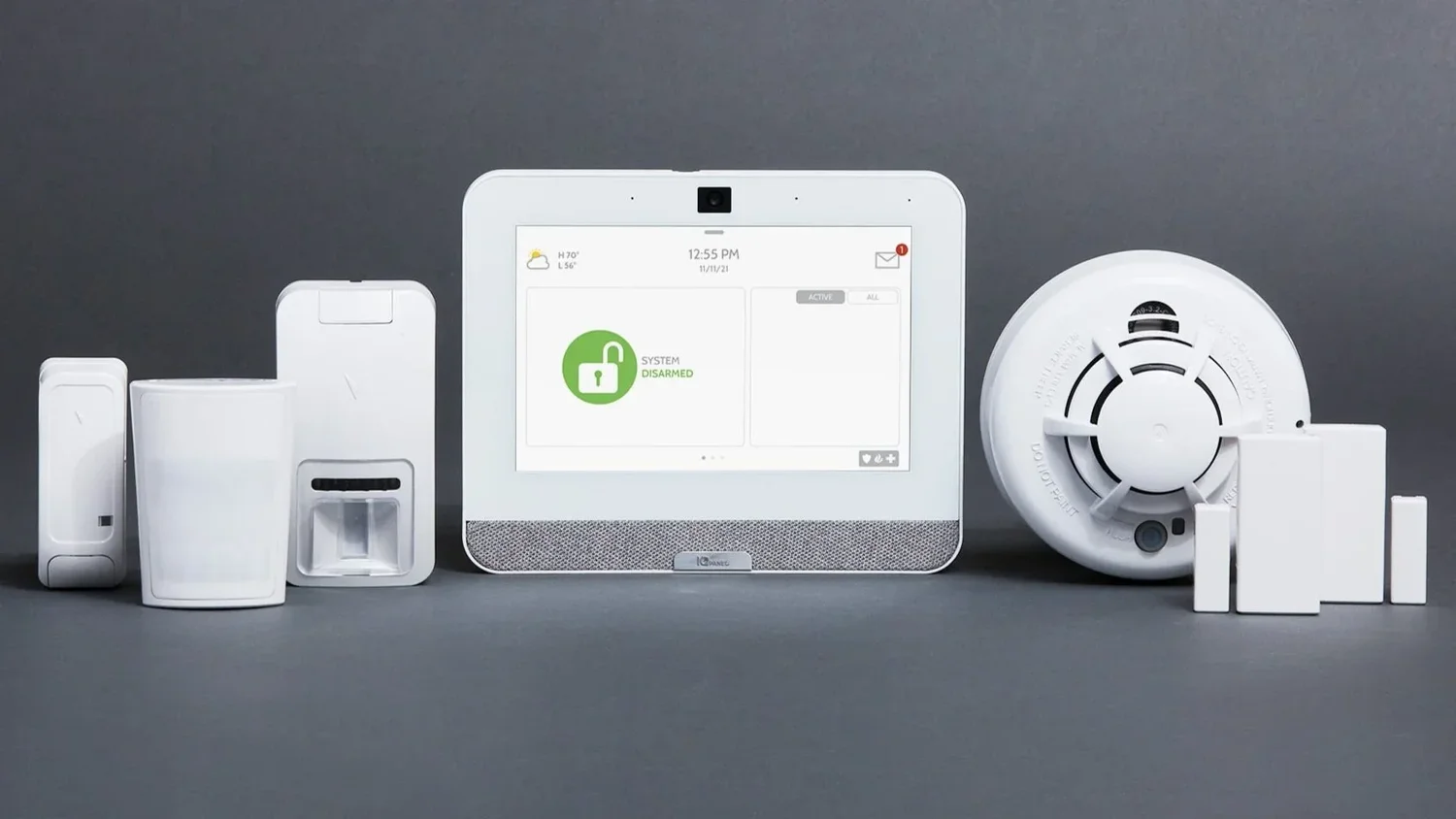
A hub or keypad with a backup battery and a cellular connection, so it keeps working and keeps communicating during monsoon outages.
Door and window sensors on every exterior door and any window that is easy to reach. Do not forget the door from the garage into the house.
Motion detectors covering main hallways and living areas. If you have pets, ask how detectors will be placed or adjusted to reduce false alarms.
Monitored smoke and carbon monoxide detectors that alert the monitoring center even when no one is home, which matters in homes with gas appliances.
Water leak sensors near water heaters, washers and under sinks, which are especially useful for seasonal homes.
Good installers will suggest adding or removing devices based on your floor plan instead of selling a fixed package.
Step Four: Think Carefully About Cameras
Cameras answer a different question than alarms. An alarm tells you something happened. A camera shows you what it was. Most homes benefit from a video doorbell at the front door, plus outdoor cameras covering the driveway and side or back yards.
Arizona conditions add a few things to check:
Heat. Ask about the camera's rated operating temperature and whether it can be mounted under an eave or out of direct afternoon sun. Our guide to cameras in Arizona heat has more.
Glare. West-facing cameras can struggle with low sun in the evening, so placement matters.
Night vision. Check how the camera looks at night on your actual property, not just in a demo video.
Dust and wind. Look for adjustable motion zones and person detection to keep alerts useful during dusty, windy weather.
Step Five: Consider Convenience and Automation
Many families find they use the convenience features every day, even when the alarm rarely triggers. Smart locks let you give a code to the pool service, smart thermostats let you cool the house before you get home, and lights can turn on from your phone. If those appeal to you, look for a system where they live in the same app as your alarm and cameras. Our home automation page shows what is possible.
Step Six: Ask the Right Questions Before You Commit
Whoever you choose, get clear answers to these questions in writing:
Do I own the equipment, or is any of it leased?
How long is the agreement, and what happens if I cancel early?
Can my monthly rate change, and how will I be told?
What happens to my system and service if I move?
How does the system communicate during a power or internet outage?
Who handles service calls, and how do I reach them?
Are there any installation or activation charges I should know about?
Adapt Home builds customized systems instead of generic packages, with local technicians who know Arizona homes and 1-on-1 service from your first conversation. Get a free quote or call (833) 902-5036 to set up a free consultation with a security specialist.
Questions about your home?
Talk with a local Adapt Home specialist. The consultation is free.
Most systems start with a hub or keypad, door and window sensors on exterior entries, motion detectors in main areas and monitored smoke and carbon monoxide detectors. Cameras and smart devices are added based on your needs.
Is professional monitoring worth it compared to self-monitoring?
Self-monitoring depends on you seeing every alert in time. Professional monitoring sends alarms to a monitoring center that contacts you and the authorities, which many households prefer, especially when traveling.
Do I need a landline or home internet for an alarm system?
Not necessarily. Systems with a cellular connection send alarm signals over the cellular network, so they can still reach the monitoring center if your home internet goes down.
What should I check in an alarm agreement before signing?
Confirm equipment ownership, agreement length, cancellation terms, whether the rate can change, what happens if you move and any installation or activation charges.
Interested in protecting your home or business? Request a quote and one of our security specialists will reach out to see how we can customize a security system that works for you.