Smart Thermostat Tips for Arizona: Staying Cool While Using Less Energy
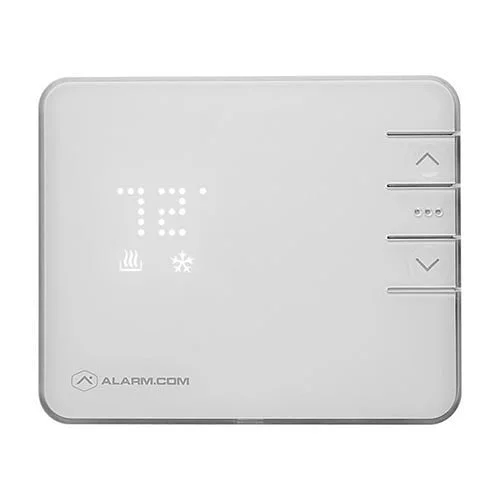
Cooling is the biggest energy job in an Arizona home. A smart thermostat, set up with your utility plan in mind, gives you more control over comfort and cost.
By the Adapt Home team · · 6 min read
In much of the country, a thermostat is something you adjust a few times a year. In Arizona, the air conditioner runs for a large part of the year, and how you manage it has a real effect on both comfort and your electric bill. A smart thermostat does not change the weather, but it does make it much easier to cool your home at the right times and avoid cooling it when no one is there.
Here is how Arizona homeowners can get the most out of a smart thermostat, from working with time-of-use rate plans to tying the thermostat into the rest of the smart home.
Understand Your Utility's Time-of-Use Plan
APS, SRP and Tucson Electric Power each offer time-of-use rate plans. On these plans, electricity costs more during certain peak hours and less during off-peak hours. The details, including the hours, seasons and prices, vary by utility and by plan, and they change from time to time.
Check your utility's current plan. Log into your account or look at your bill to see which plan you are on and when your peak hours fall.
Write down your peak window. You will use it to build your thermostat schedule.
Revisit it each year. If your utility updates its plans, adjust your schedule to match.
Key point: A smart thermostat works best when its schedule matches your rate plan. Start with your utility's current peak hours, then build your schedule around them.
Pre-Cool Before Peak Hours
Pre-cooling is one of the most popular strategies for Arizona homes on time-of-use plans. The idea is simple: run the air conditioning a little cooler before peak hours begin, when electricity costs less, then let the temperature drift up a few degrees during the peak window.
Find the start of your utility's peak window.
Schedule the thermostat to cool the house a few degrees below your normal setting in the hours before the peak begins.
Raise the set point at the start of the peak window so the AC runs less during those hours.
Bring the temperature back to your normal setting once off-peak pricing returns.
Watch your comfort and your bill for a few weeks, then fine-tune.
Well-insulated homes tend to hold the cool longer, so results vary from house to house. Ceiling fans can help you stay comfortable as the temperature drifts up.
Build a Schedule That Fits Your Life
Beyond peak hours, a schedule keeps you from cooling an empty house. Think about when your household is typically home, asleep or away.
Set an away temperature for weekday hours when everyone is at work or school.
Cool down before you arrive. Schedule the house to reach your comfort setting shortly before you usually get home.
Use a sleep setting that matches how your household likes to sleep.
Create a separate weekend schedule if your routine changes on Saturdays and Sundays.
Geofencing and Remote Adjustments
Schedules work well for predictable days. For everything else, geofencing and remote control fill in the gaps.
Geofencing uses your phone's location to tell the thermostat when you have left or are heading home. When the last person leaves, the thermostat can switch to an away setting. When someone heads back, it can start cooling. This is especially helpful for households with irregular schedules.
Remote control from your phone covers the rest. Forgot to adjust the thermostat before a weekend trip? Change it from wherever you are. Coming home early on a hot afternoon? Start cooling before you leave work. For seasonal residents, remote access also lets you keep an empty house at a safe temperature, as covered in our guide to home security for snowbirds.
Connect the Thermostat to Locks and Lights
A smart thermostat becomes even more useful when it works alongside the rest of your smart home. With home automation, a single action can trigger several devices at once.
Leaving home. Locking the smart lock and arming the alarm can also set the thermostat to away and turn off lights.
Arriving home. Unlocking the door can bring the thermostat back to your comfort setting and turn on entry lights.
Bedtime. One tap can lock the doors, turn off lights and switch to your sleep temperature.
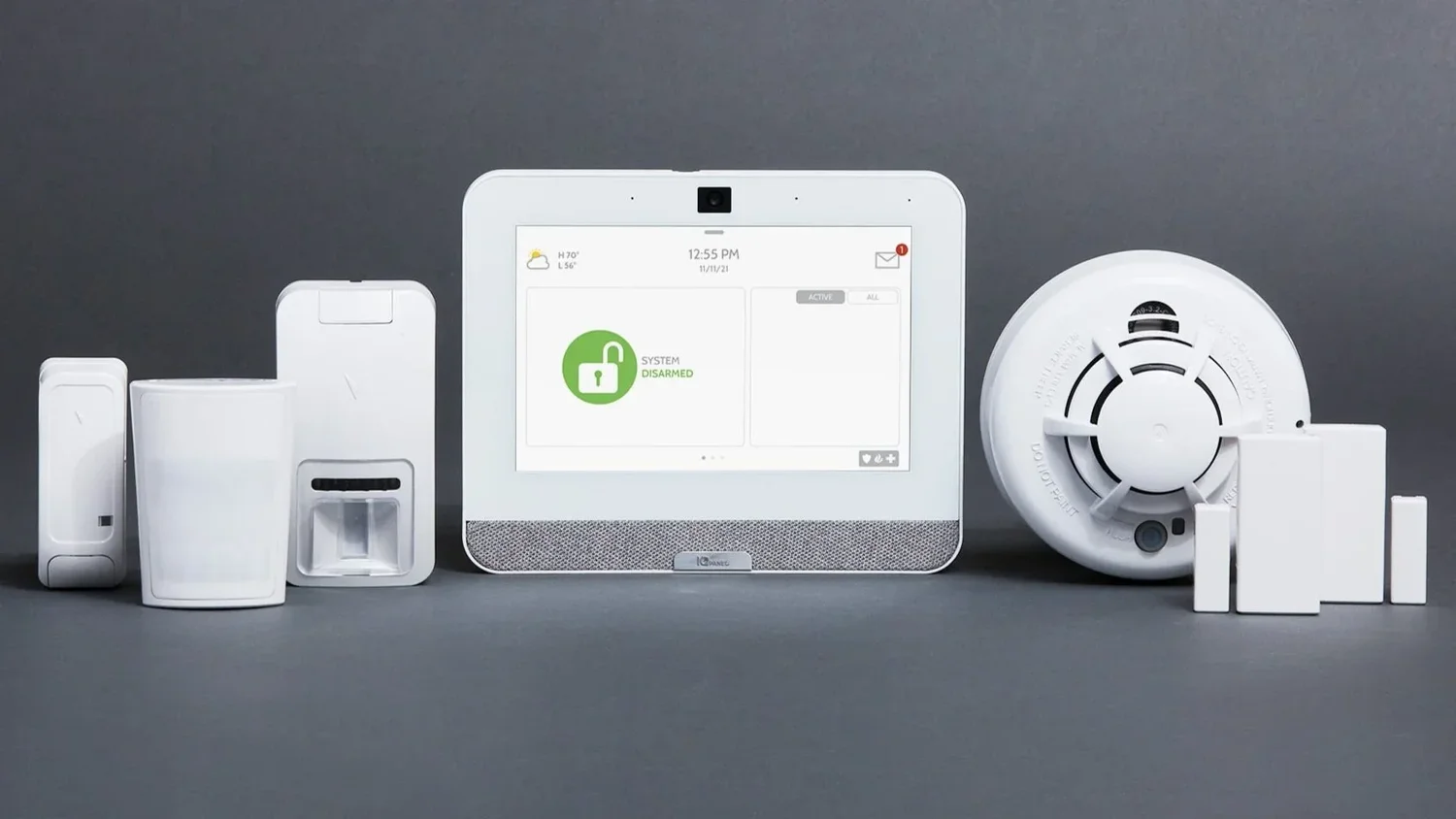
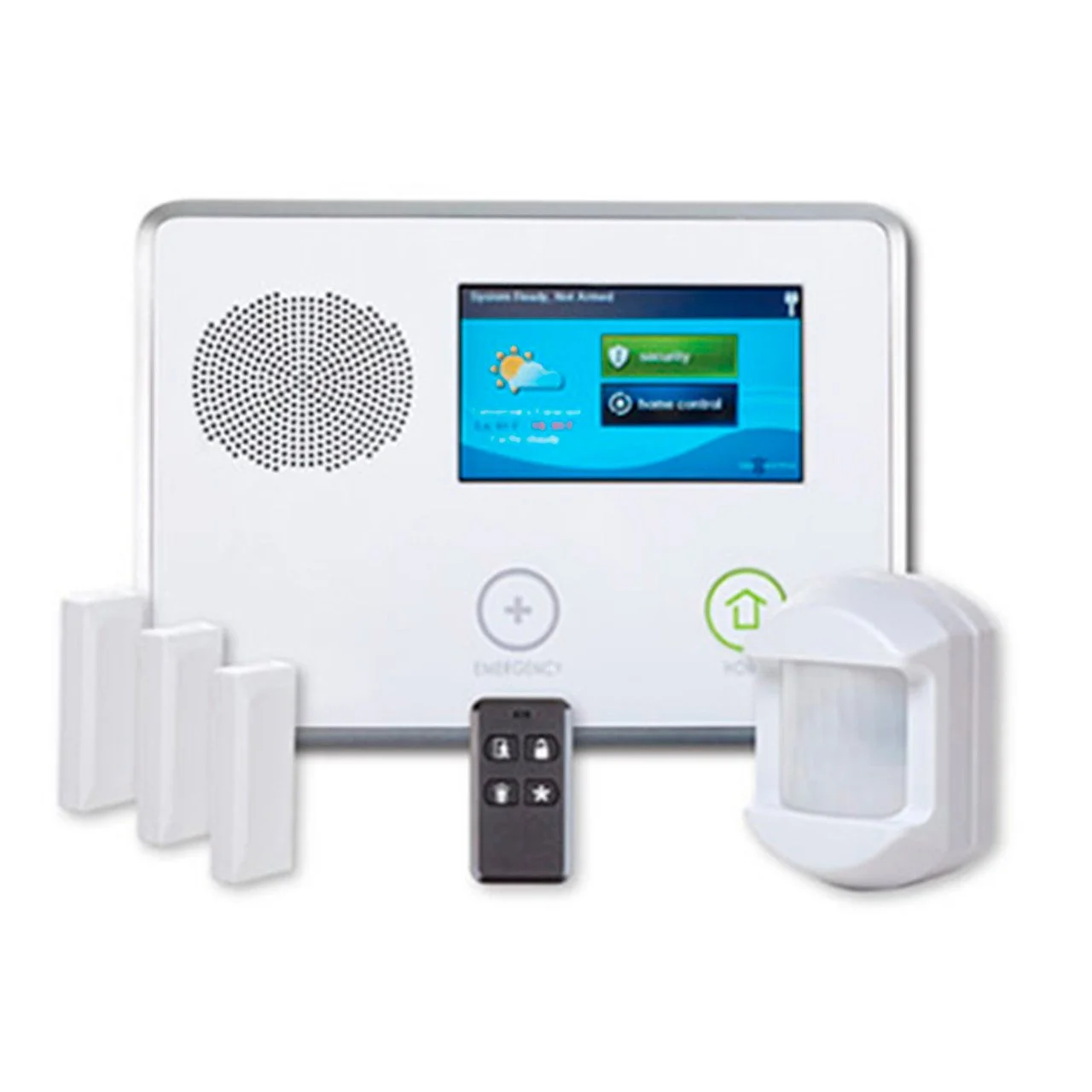
When your thermostat, locks and lights live in the same app as your security system, it is easier to keep everything in sync.
Small Habits That Add Up
A smart thermostat can reduce wasted cooling, but it works best alongside good habits. Change your air filters regularly, especially after dust storms. Close blinds on west-facing windows in the afternoon. Keep your AC system serviced so it runs efficiently. Avoid big swings in the set point, which can make the system work harder to catch up.
The right schedule depends on your home, your household and your utility plan. Adapt Home installs smart thermostats as part of customized home automation and security systems for homeowners across the state, including Chandler and the rest of the East Valley. Get a free quote or call (833) 902-5036 to talk with a specialist about what would work for your home.
Questions about your home?
Talk with a local Adapt Home specialist. The consultation is free.
Pre-cooling means running the air conditioner a little cooler before your utility's peak hours begin, then letting the temperature drift up during the peak window so the AC runs less when electricity costs more.
Do APS, SRP and Tucson Electric Power offer time-of-use plans?
Yes, each of these utilities offers time-of-use rate plans. Hours, seasons and prices vary by plan and can change, so check your utility's current plan before building a thermostat schedule.
What is thermostat geofencing?
Geofencing uses your phone's location to tell the thermostat when you leave or head home, so it can switch to an away setting or start cooling automatically.
Can a smart thermostat work with my locks and lights?
Yes. With home automation, actions like locking the door or arming the alarm can also change the thermostat setting and turn lights on or off.
Interested in protecting your home or business? Request a quote and one of our security specialists will reach out to see how we can customize a security system that works for you.